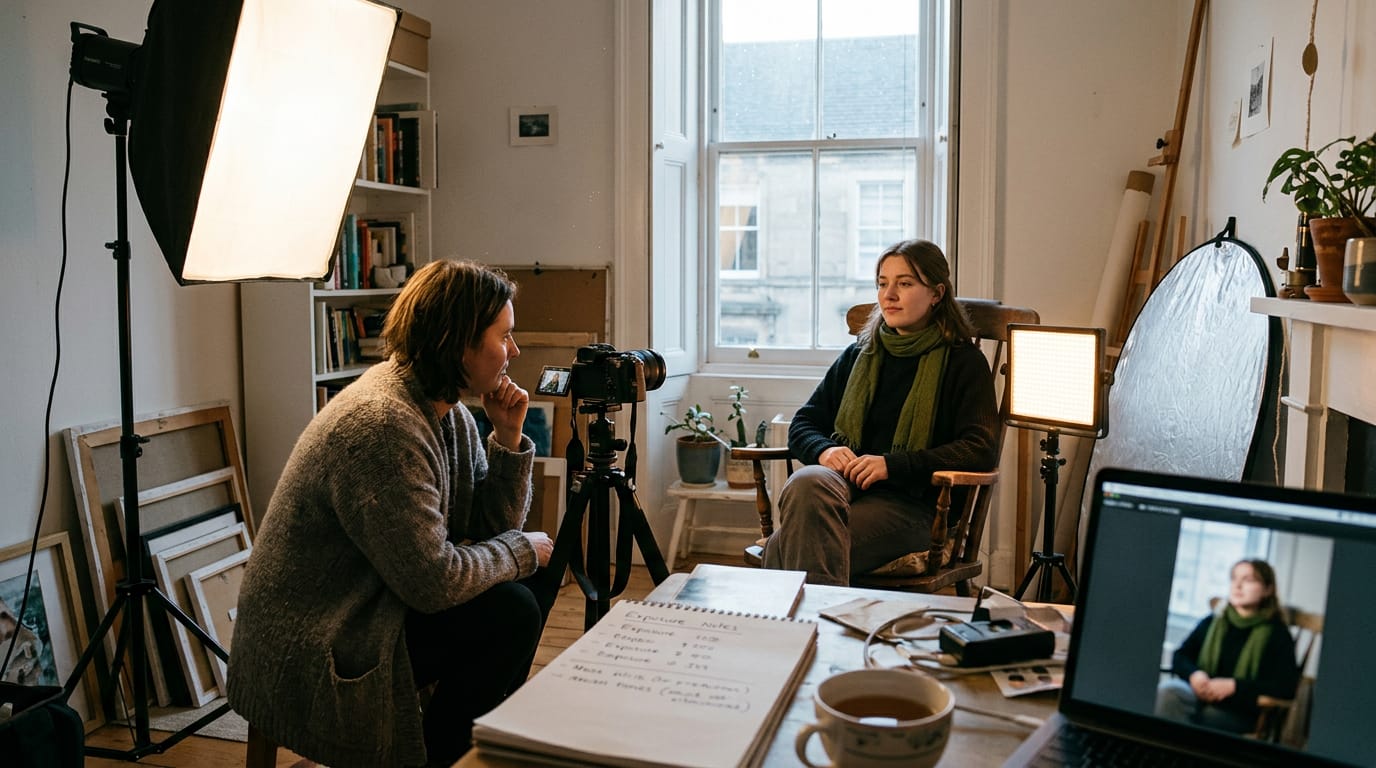
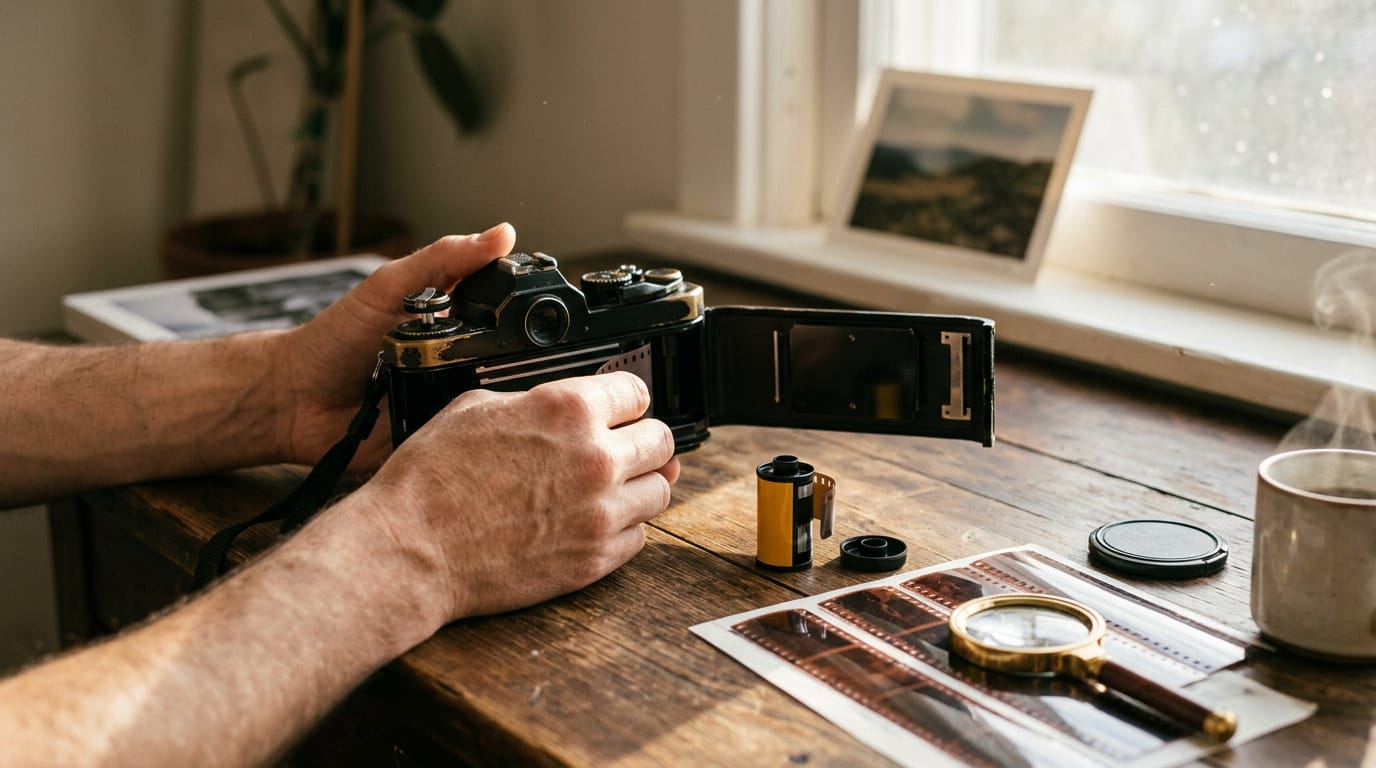
How do cameras work: a complete guide from light to image
How do cameras work? Follow light from lens to stored image, then see how focus, aperture, and shutter shape footage when you film yourself at home.

Chapters
In short
A camera captures a scene by gathering light through a lens, focusing it onto film or a digital sensor, and recording the result. The aperture controls how much light enters, the shutter controls how long it is captured, and focus and lens choice shape sharpness and framing. In practice, good pictures depend on balancing these settings with the available light, since a camera can only record the light in front of it.
Think about the last time sunlight lit up one side of your room through a window. That glow is a picture waiting to be caught, and a camera is simply a way to catch it and keep it.
Put simply, a camera gathers light through a lens, focuses it onto a sensor or film, and records what lands there. Each step shapes how the final picture looks.
In this post, we’ll follow that chain from light to stored file, then show you which parts matter most when you’re filming yourself at home.
The Core Principles Behind How Cameras Work
Every camera follows one chain: light comes in, gets captured, and is saved as a file.
How light gets captured inside a camera
A camera is a light-tight box with one small opening. Light passes through the lens and strikes a sensor, the light-sensitive surface that records how much lands on each spot. The box keeps out stray light so the sensor sees only your scene.
The main parts of a camera
Four parts do most of the work:
- Lens and aperture: The lens bends light, and the aperture, the adjustable opening inside it, sets how much gets through.
- Shutter: It controls light by deciding how long the sensor stays exposed.
- Body, optics, and recording medium: The body holds it together, the optics bend light, and the recording medium stores the file.
- Viewfinder or screen: It shows the frame so you can check it before you hit record.
Consider a podcaster who opens the aperture to blur the wall behind her, then sees her face soften when she leans back. Every setting is a trade.
Do cameras show how others see you? Pretty closely, but it’s not exact. Viewers see the recording, which shifts whenever the light or angle does.
How cameras changed over time
The camera obscura predates photographic cameras and is part of their history. A piece on its scientific life notes it first served as a tool of visualization. Early portable cameras came next.
In 1861, a study of colour photography in Britain records that James Clerk Maxwell commissioned Thomas Sutton to make the first true colour photographic image.
The shift from film to digital changed how the image is kept: film captured light chemically, while a digital sensor records it electronically as a file.
Adjusting the Lens, Focus, Aperture and Shutter
Light reaches the sensor through the lens, and your settings decide how it lands.
Why lens and focal length matter
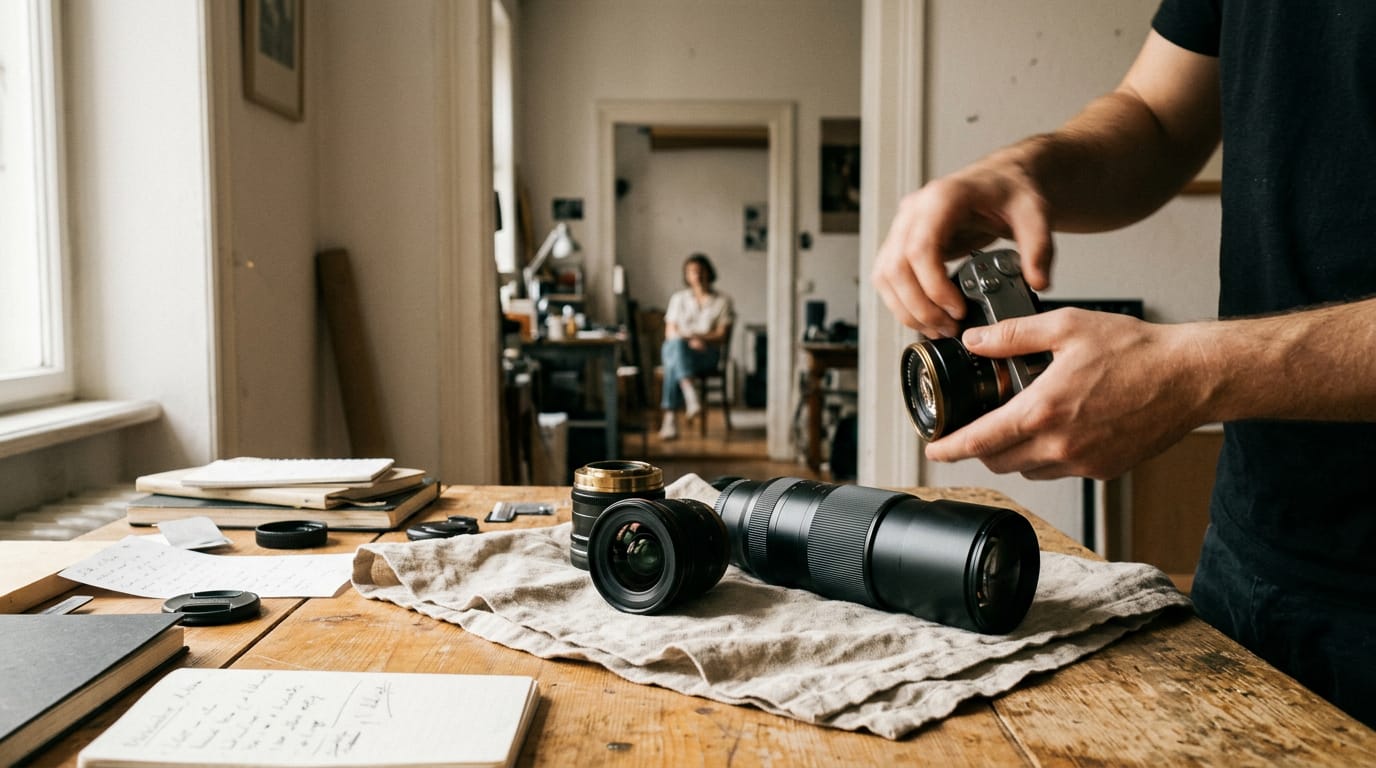
The lens is curved glass that bends light so it lands on the sensor. Its focal length sets how wide your frame is: a shorter one takes in more of the room, while a longer one brings your subject closer.
Many cameras take interchangeable lenses, so you can swap one for each shoot. Lens quality matters too, since sharper glass means cleaner detail.
Getting your subject in sharp focus
Focus means the lens lines up light so it lands crisply on the sensor. Autofocus does this automatically, while manual focus is up to you. Simple fixed-focus cameras stay set at one distance, so you sit where they expect.
Object distance matters too: move closer or farther and you’ll need to refocus.
For example, a coach filming in a small home office leaves autofocus on while she presents, then switches to manual once she’s settled so the camera stops hunting for her face mid-sentence. Sharp is the goal.
Setting aperture and shutter speed
Aperture is the lens opening that controls how much light gets in. Shutter speed controls exposure time: how long the sensor collects light for each frame. Some cameras lock these settings, while others let you change them.
Together with sensitivity to light, they form the exposure triangle, three settings that balance brightness.
For talking-head video, start with a moderate aperture to keep your face sharp, then adjust shutter speed and sensitivity until it’s bright without going grainy.
Camera modes handle that balance. Automatic mode picks the values for you, manual lets you set them yourself, and semi-automatic modes control one setting while the camera handles the other.
If you’ve seen lists of photography basics, these four levers matter most for video.
How Film Cameras Record a Picture
Film cameras skip the electronics and let chemistry do the recording. Here’s how a single exposure turns light into a picture you can hold.
How chemistry records an image on film
A film camera records a scene in four stages:
- Light-sensitive grains. The film is coated with tiny grains that react to light. When you press the shutter, light lands on them and starts the recording.
- Chemical reaction. Wherever light hits, the grains undergo a chemical reaction. Brighter areas of the scene trigger more of that reaction, so the film stores a pattern of light and dark.
- Red, green, and blue layers. Color film stacks three layers, one for each color of light. Each layer responds only to its own color, so the film records how much red, green, and blue reached each spot.
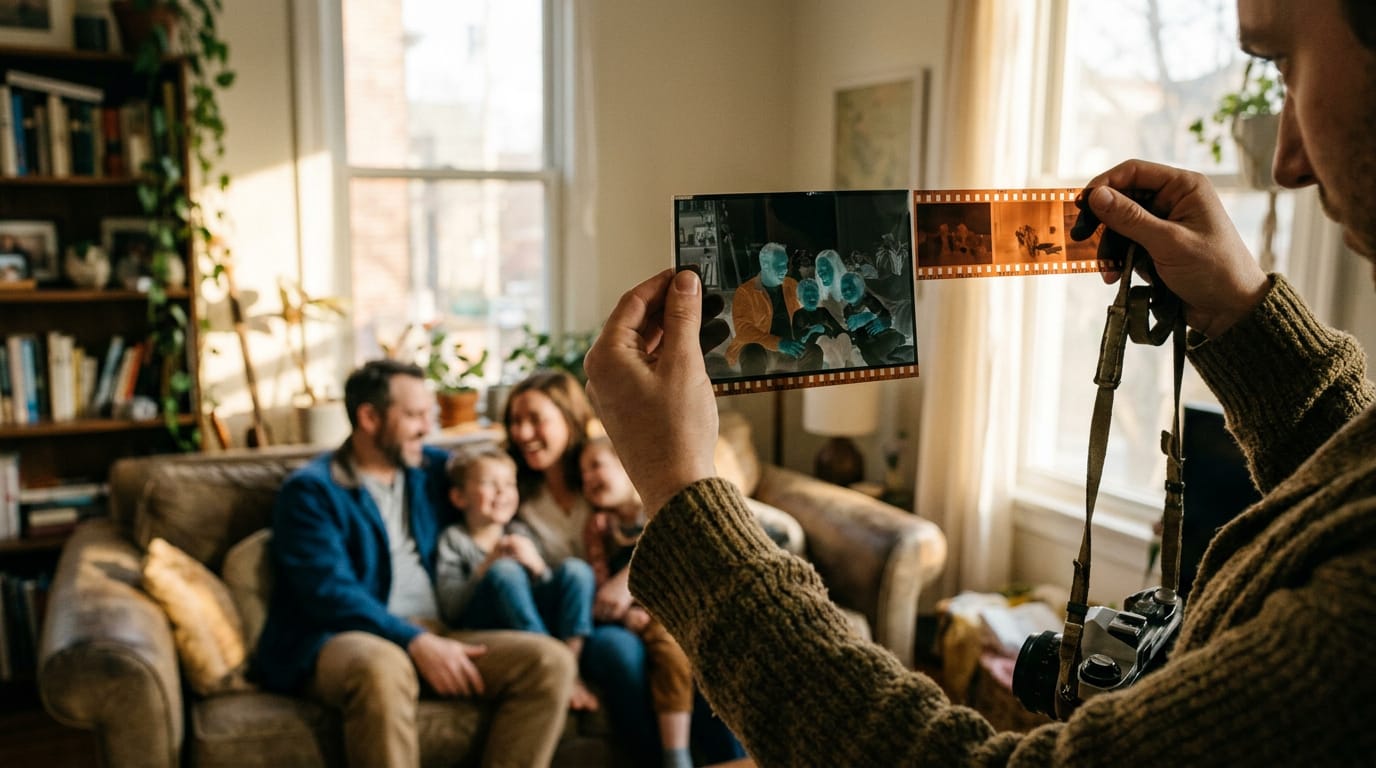
- Film developed into negative. Developing is a chemical bath that makes the changed grains visible. What you get is a negative: bright areas of the scene come out dark, and dark areas come out light.
Think of a portrait photographer shooting a family session on color film.
Each layer logs how much red, green, or blue reached it, and when the film is developed those records combine so the warm skin tones and a dad’s blue jacket come back looking like the real afternoon. The negative looks backwards, and that’s fine.
It’s a record of the light, not the finished picture.
How Digital Cameras Turn Light into Images
Here’s how light that enters the lens becomes a file on your memory card.
How the image sensor catches light
The image sensor is a chip covered in millions of photosensitive cells. When photons (tiny packets of light) hit a cell, they release electrons, and the cell collects that charge. Each cell forms a pixel, and more light means more charge. A speck of dust resting on that surface can show up as a black spot on camera.
Take a streamer working in a dim spare room. Less light means less charge, so the picture comes out dark. Adding a lamp fixes it at the source. A lamp that stays on through the whole shoot is a form of continuous light photography.
Sensor size matters too. A larger sensor generally gives each pixel more room to catch light, improving image quality. Cells only sense brightness, so many cameras add a Bayer filter, a grid of tiny red, green, and blue filters, over them.
Demosaicing then estimates each pixel’s missing colors from its neighbors.
Turning the signal into saved files
The charge is still an analog signal, meaning smooth rather than numbered. The analog-to-digital converter turns it into numbers a computer can read, and circuit board processing shapes those numbers into an image. Light in, numbers out.
The finished file is written to the memory card, where it’s treated like any other computer file.
Video is a rapid series of still images. The frame rate is how many get captured each second, and compression shrinks all that data into manageable files.
Following the digital process step by step
The whole chain runs in four steps:
- Measure light: the camera reads how much light is coming in.
- Focus light: the lens bends light so it lands sharply on the sensor.
- Convert light to electrons: the cells release charge.
- Store data: the processed signal is saved to the memory card as a file.
How digital compares with film
Film relied on a chemical reaction, and the picture appeared only after development. Digital capture is electronic. The real difference isn’t what the camera sees, but how it records it. That shows up in three practical ways:
- A screen replaces the viewer. You review shots on a display instead of waiting for a print.
- No film development needed. Digital skips the chemical step, so you can check each shot right away.
- Easy sharing and editing. Digital files can be sent and edited without any extra step.
Types of Cameras and Their Designs
Designs vary, and so does the control you get.
The most common camera types
- Box, folding, and miniature cameras: Simple, compact, and easy to carry.
- Press and view cameras: Press cameras suited fast field work, while view cameras were slower, careful tools.
- Point-and-shoot vs. SLR: Point-and-shoot cameras decide for you, while an SLR (single-lens reflex, one lens for viewing and shooting) hands the choices back.
- Self-printing and movie cameras: Self-printing cameras spit out prints on the spot, while movie cameras record frames that play back as motion.
How an SLR mirror and prism work
- Mirror and prism system: A mirror bounces light up into a prism, which flips the image upright.
- See the real image through the lens: You’re looking at the actual picture the lens captures, so what you compose is what you record.
- Periscope-like configuration: Light takes a few turns on its way to your eye, much like a periscope.
Automatic features in modern cameras
- Microprocessor-controlled motors: A microprocessor (a tiny computer chip) drives small motors that focus the lens and adjust settings.
- Built-in light meter: It reads scene brightness and sets exposure (how much light the sensor takes in) so shots aren’t too dark or washed out.
- Camera phones and dash cams: Your phone and a windshield-mounted dash cam both run on these automatic systems.
- Automatic vs. manual controls: Auto mode makes the calls, while manual mode puts you in charge of exposure and focus.
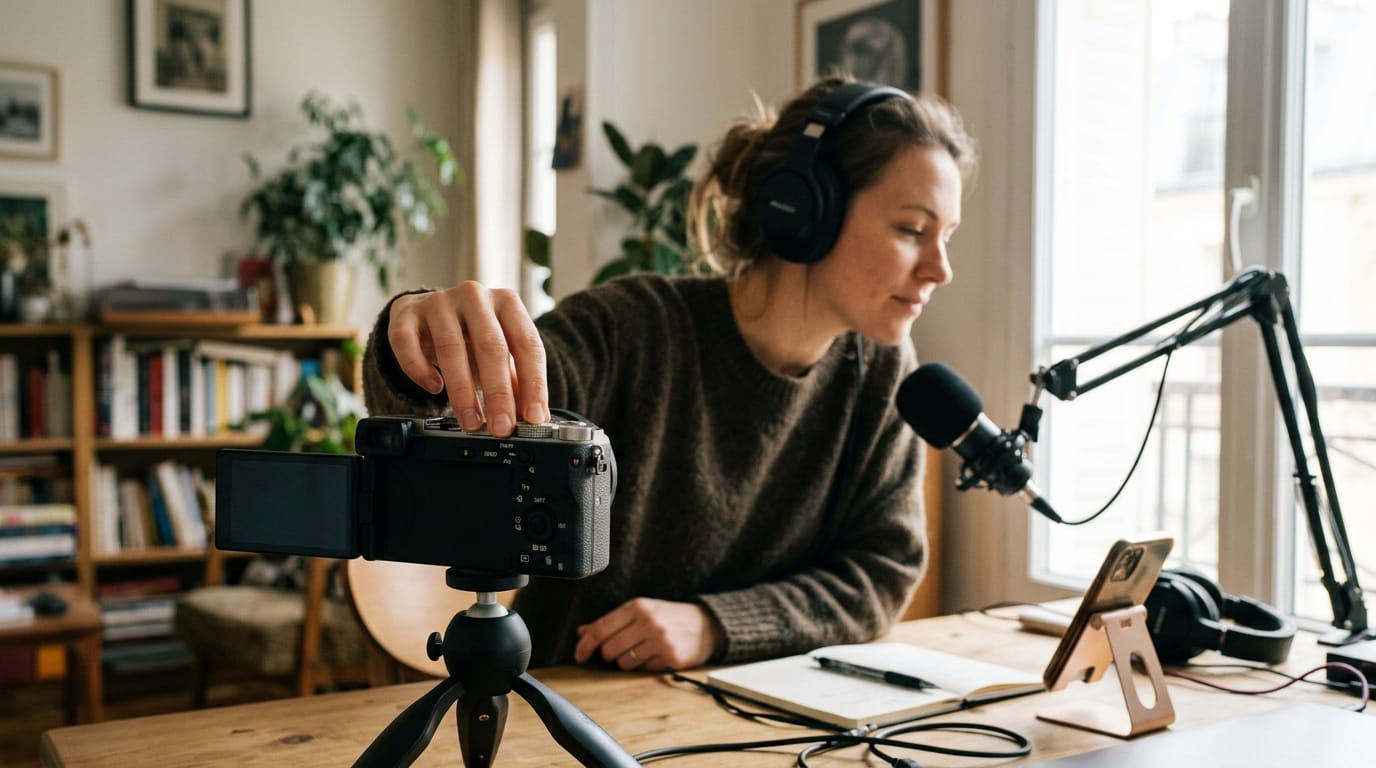
A podcaster on auto sees her face brighten and dim as she leans toward the window. Locking exposure by hand steadies it. Same room, steadier look.
Phones are automatic and always with you, webcams are built for video calls, and mirrorless cameras (no SLR mirror) let you set controls by hand.
Hands-on Camera Projects to Try
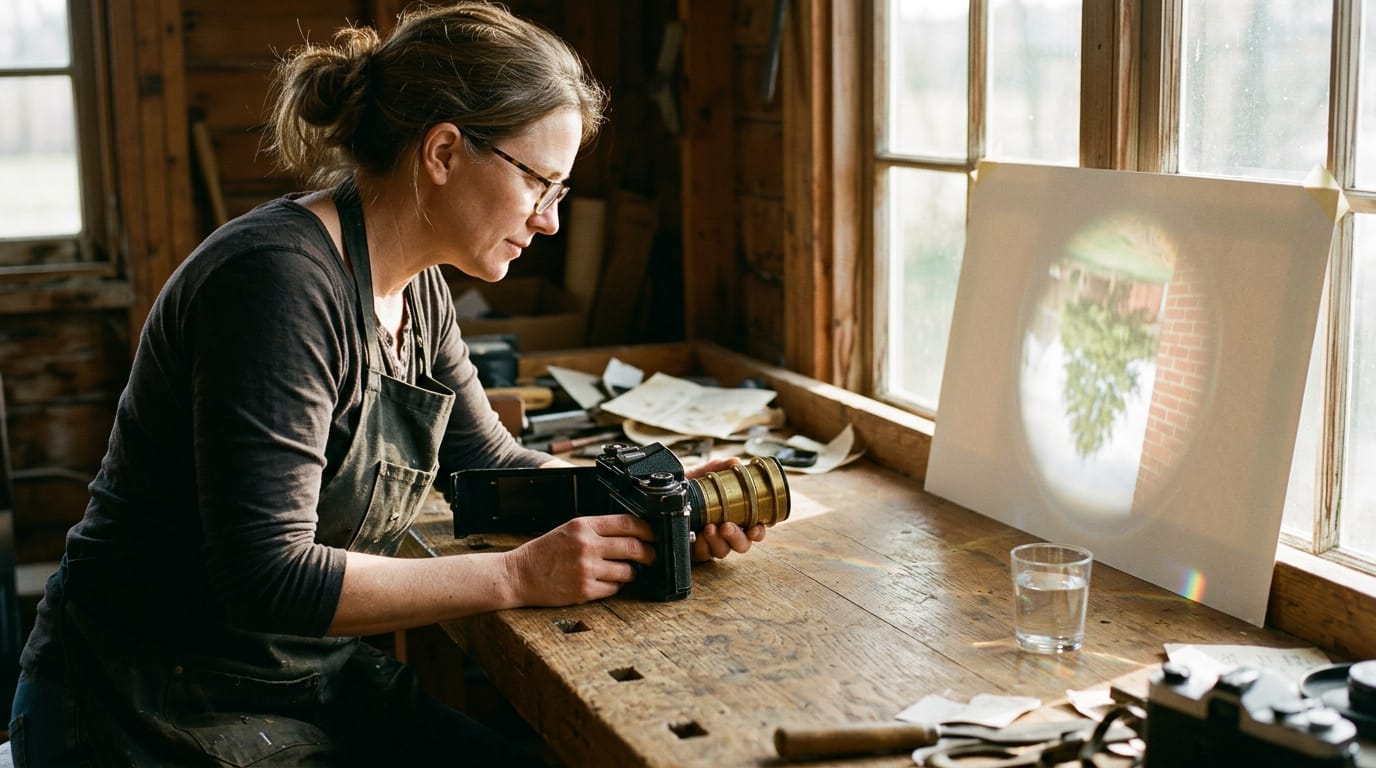
Nothing makes the light-to-file chain click faster than building the simplest camera there is. These projects use household materials, and each one shows you a piece of how a camera works.
Making a pinhole camera yourself
A pinhole camera is a light-tight box with a tiny hole in one side and no lens at all. Here’s what each project teaches:
- Cracker box demo. Tape tracing paper over one open end of an empty cracker box, poke a pinhole in the opposite end, then aim it at a bright window in a dim room. Look at the paper and you’ll see a faint, blurry picture of the window.
- Cigar box film camera. Swap the tracing paper for light-sensitive film loaded in a dark room. The image now gets recorded instead of just viewed, which makes this the closest homemade match to a camera sensor.
- Upside-down image explained. Light from the top of a scene travels in a straight line through the hole and lands at the bottom of the screen, and light from the bottom lands at the top. It’s not the picture that’s backward so much as where each beam lands. A camera lens flips the image too, so the picture reaching the sensor starts out upside down.
- Cork as shutter. A cork in the hole blocks the light. Pull it out for a moment, then push it back in. That’s your exposure. The longer the cork stays out, the more light reaches the paper.
Think of a streamer who wants a one-of-a-kind retro intro for her channel. A weekend with a cigar box and a roll of film gets her a vintage look that comes straight from the light itself, and she’ll know exactly why it looks the way it does.
Once you see the full chain, a camera stops feeling like a black box. Light passes through the lens, the sensor or film captures it, and your settings decide how much gets in.
Of all those links, the light on your face does the most work, since settings can only shape the light that’s already there.
Start with where the light falls the next time you set up for a call or recording, then adjust the lens and settings to suit it. The camera only records what the light gives it, so give it something worth keeping.
References
- Colour photography in Britain,1906-1932: exhibition, technology, commerce and culture — doi.org (2024)
- The Scientific Life Of the Camera Obscura — doi.org (2000)
Questions
What are different camera modes?
Common camera modes include automatic, manual, and semi-automatic modes. Auto chooses exposure settings for you, manual lets you set them yourself, and semi-automatic modes let you control one setting while the camera adjusts others.
What are the 7 basics of photography?
Seven common photography basics are aperture, shutter speed, ISO, focus, exposure, composition, and lighting. Aperture, shutter speed, and ISO work together to balance brightness, while focus and composition shape how the subject appears.
How does a simple camera work?
A simple camera is a light-tight box with a small opening. Light passes through the opening or lens and forms an image on film or a sensor; a shutter controls how long light enters, and the recording medium saves the image.
How do outdoor cameras work?
Outdoor security cameras capture images or video through a lens and record them on a memory card or send them to a connected system. Many use motion detection, night vision, or wireless connections, though features vary by model. They need a power source, and wireless models may also rely on a network connection.
How do Gen Z take selfies?
Gen Z often take selfies with smartphones, using the front-facing camera, natural light, and casual angles or poses. Some also use digital cameras for a more nostalgic look, then transfer and share the photos online.
Why are Gen Z using digital cameras?
Some Gen Z use digital cameras for their distinctive, nostalgic appearance and the experience of taking photos apart from a phone. Digital cameras also let users review, edit, and share image files without developing film.
Do cameras show how others see you?
A camera shows a recorded image, which can look close to how others see you, but it is not an exact match. Lens choice, camera angle, distance, lighting, and settings all affect the result.