Evan Marchetti
Editor and lead writer
Guides
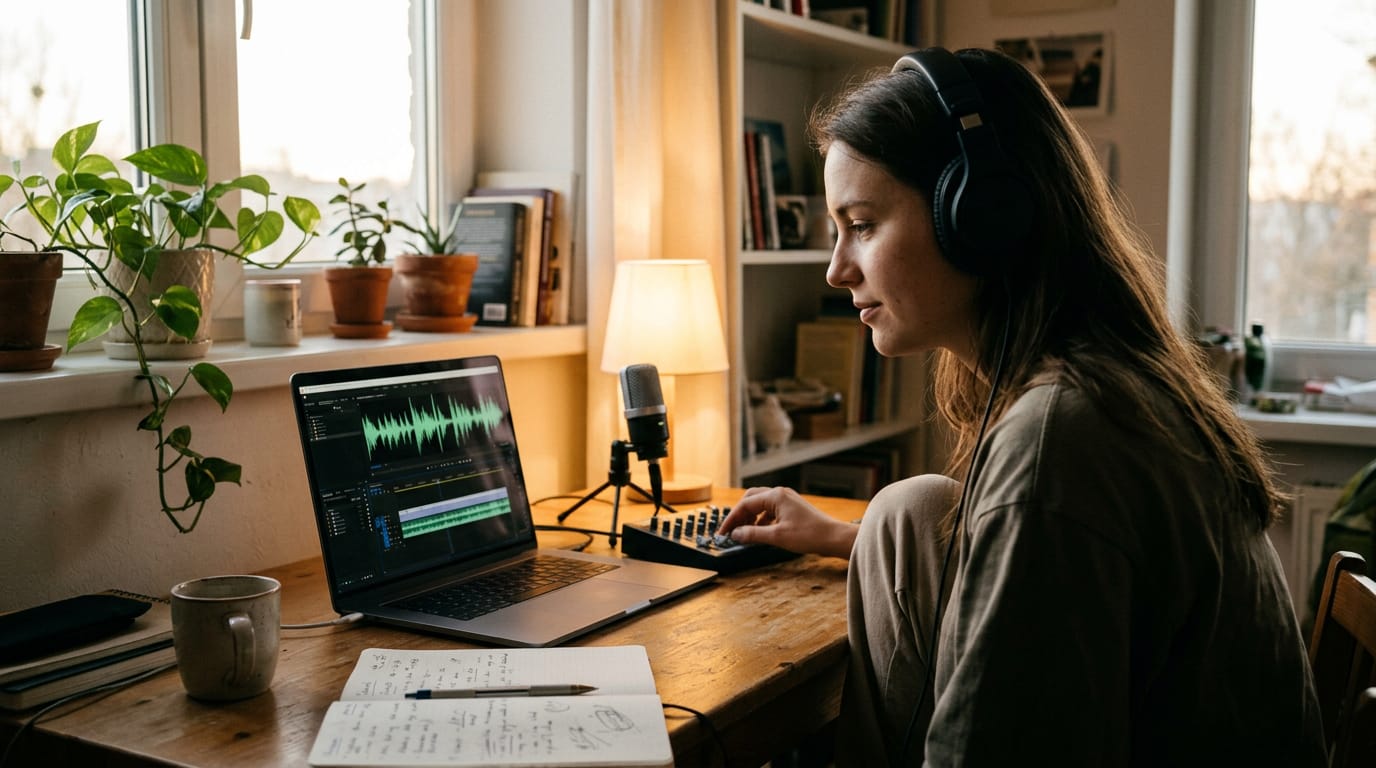
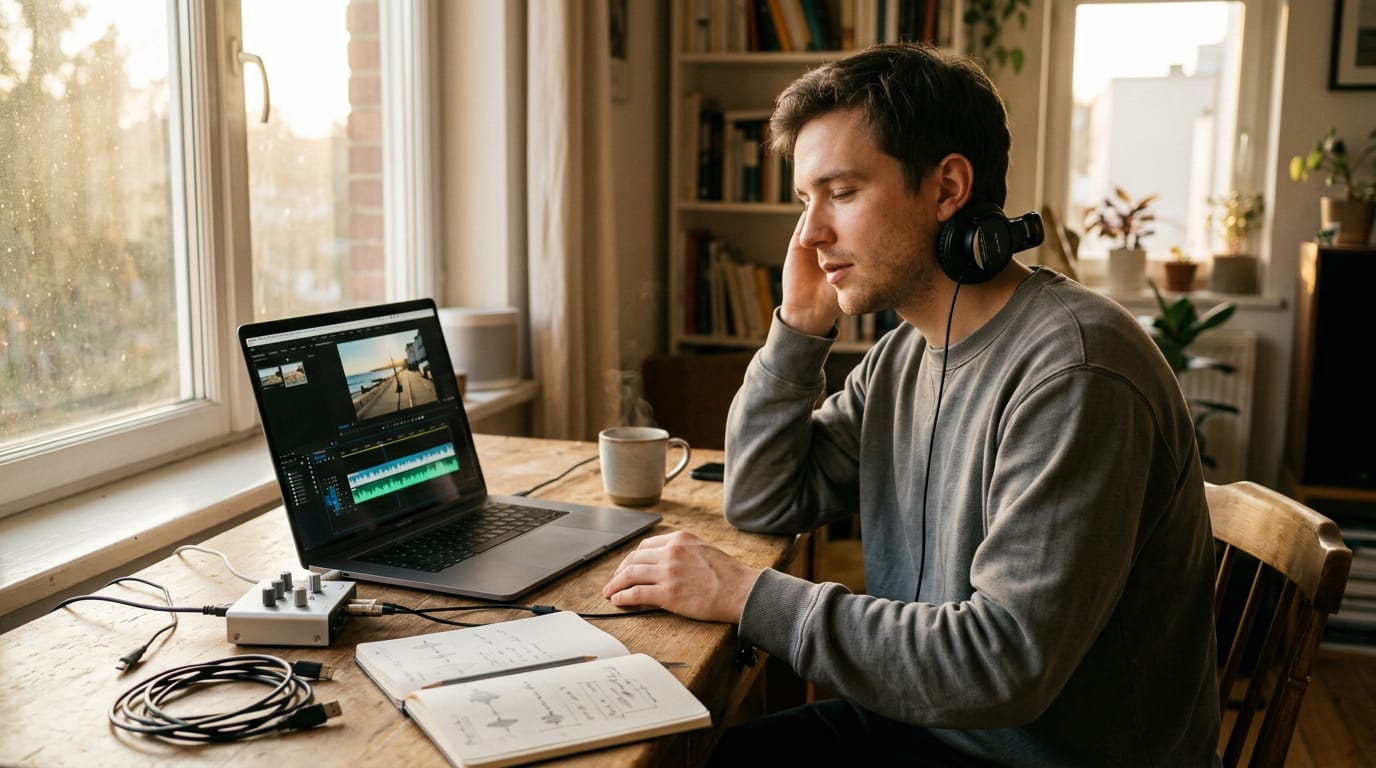
16How to Add Music to Video Without Overpowering Your Voice
How to add music to video without drowning out your voice: find usable tracks, balance levels, time edits, and compare free and paid editor plans.
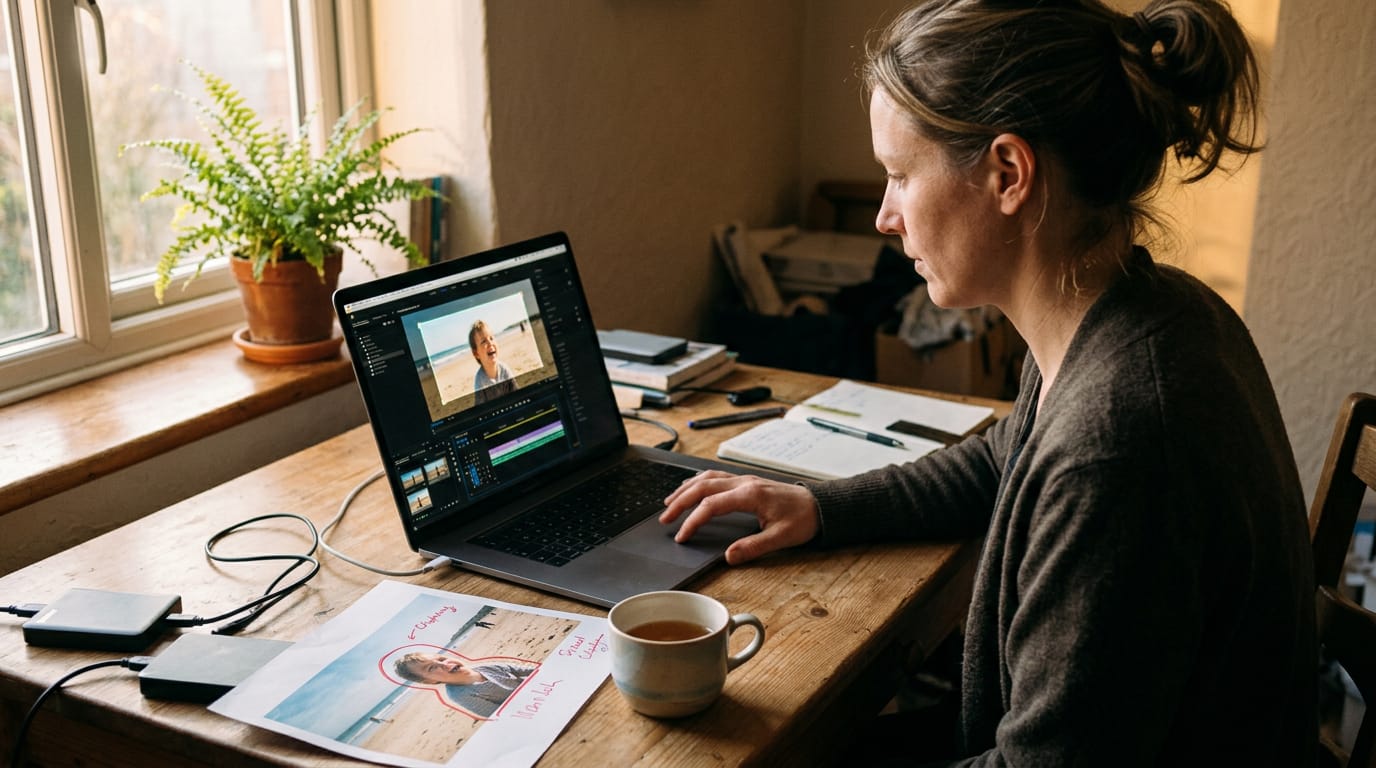
Crop Video Explained: When to Trim Your Frame and How
Crop video to bring a drifting subject back into frame, then follow Premiere Pro steps and match aspect ratios for each platform before you post.
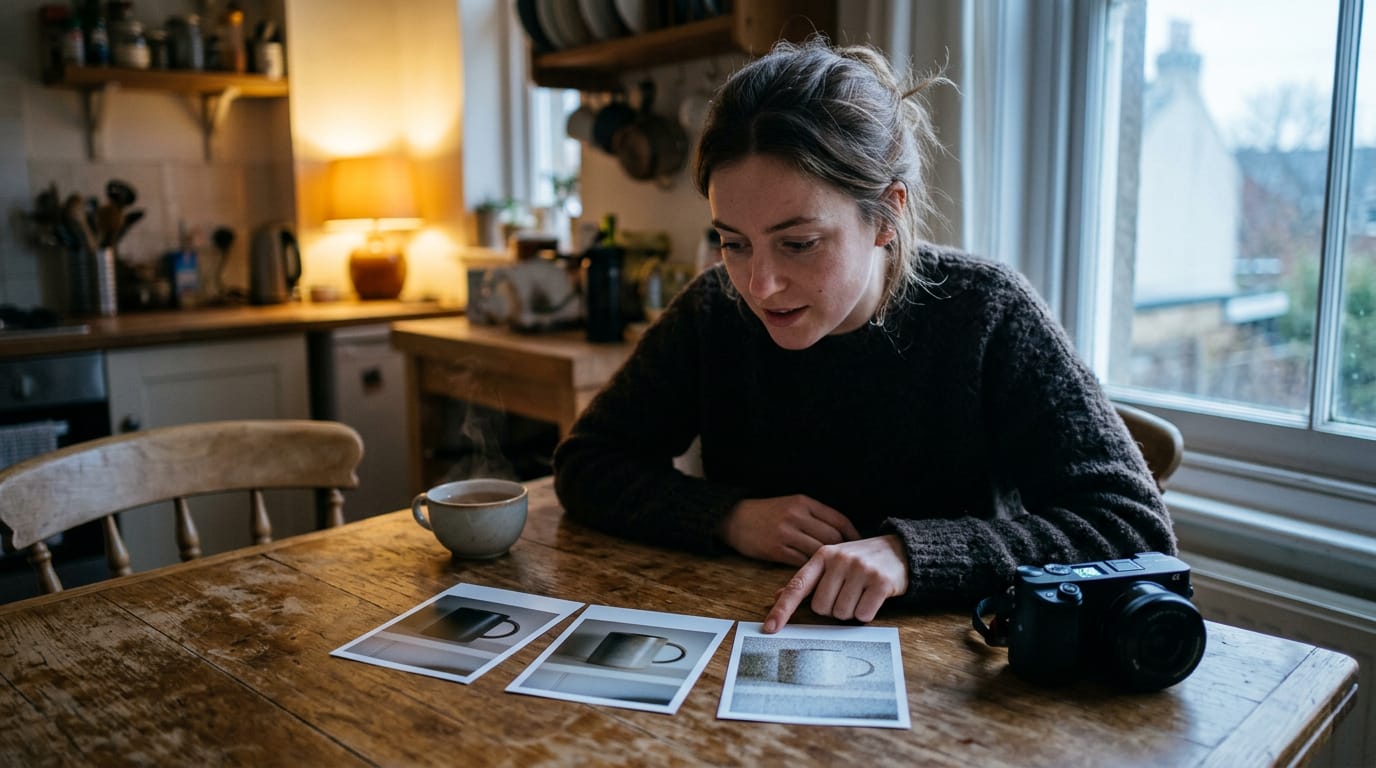
What Is ISO Photography, Clearly Explained for Beginners
What is ISO photography? See how raising ISO brightens dim scenes but adds noise, and when fixing the light helps keep photos clean in low light.
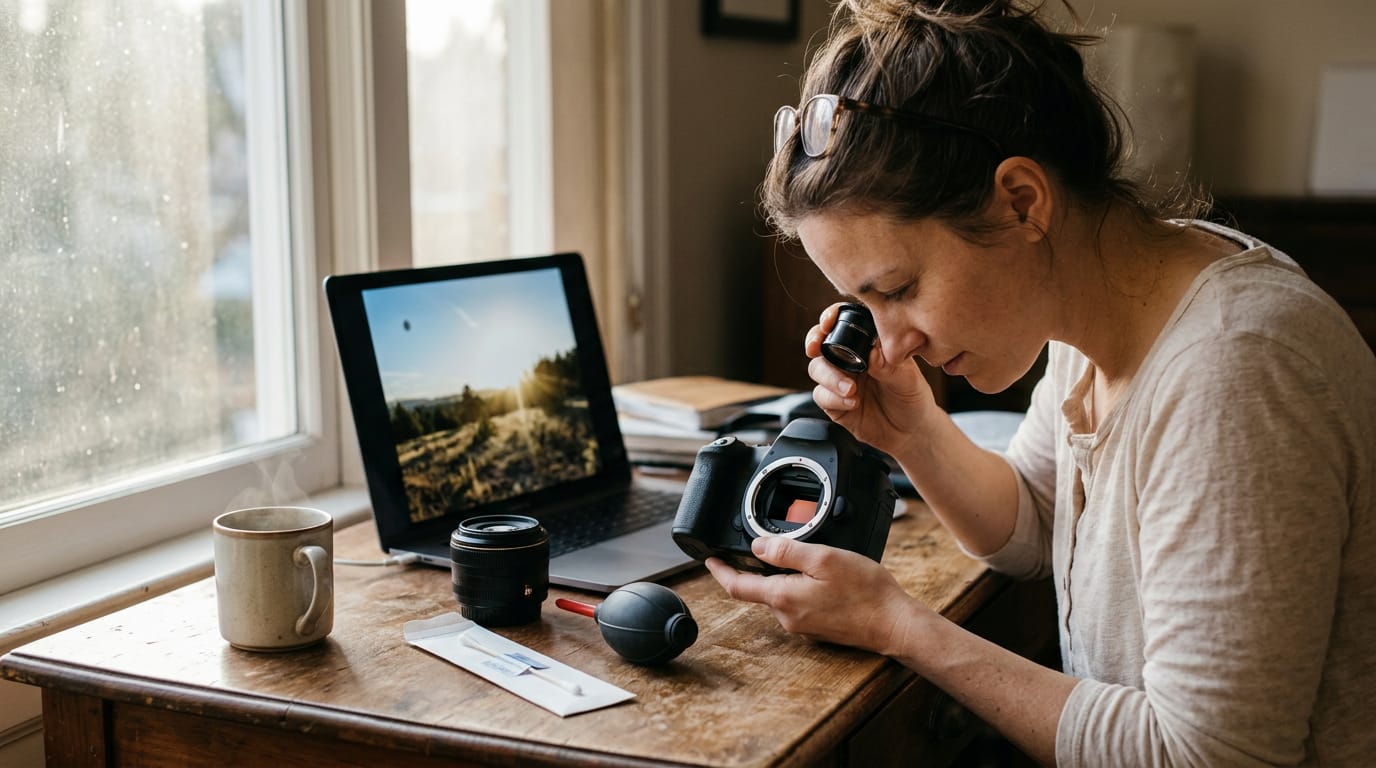
Black Spot on Camera: Causes, Checks, and Safe Fixes
A black spot on camera can come from dust, fungus, or a sensor fault. Learn how to tell them apart and check for sensor dust before your next shoot.
Extract Audio from Video: Methods, Steps, and Fixes
Extract audio from video on a phone, computer, or free online tool, follow the steps, compare formats for sound quality, and fix common issues.
What Is Adobe AIR Software and How Does It Work?
What is Adobe AIR software? See how this runtime supports desktop apps, whether it still gets updates, and how to decide if you should keep it installed.
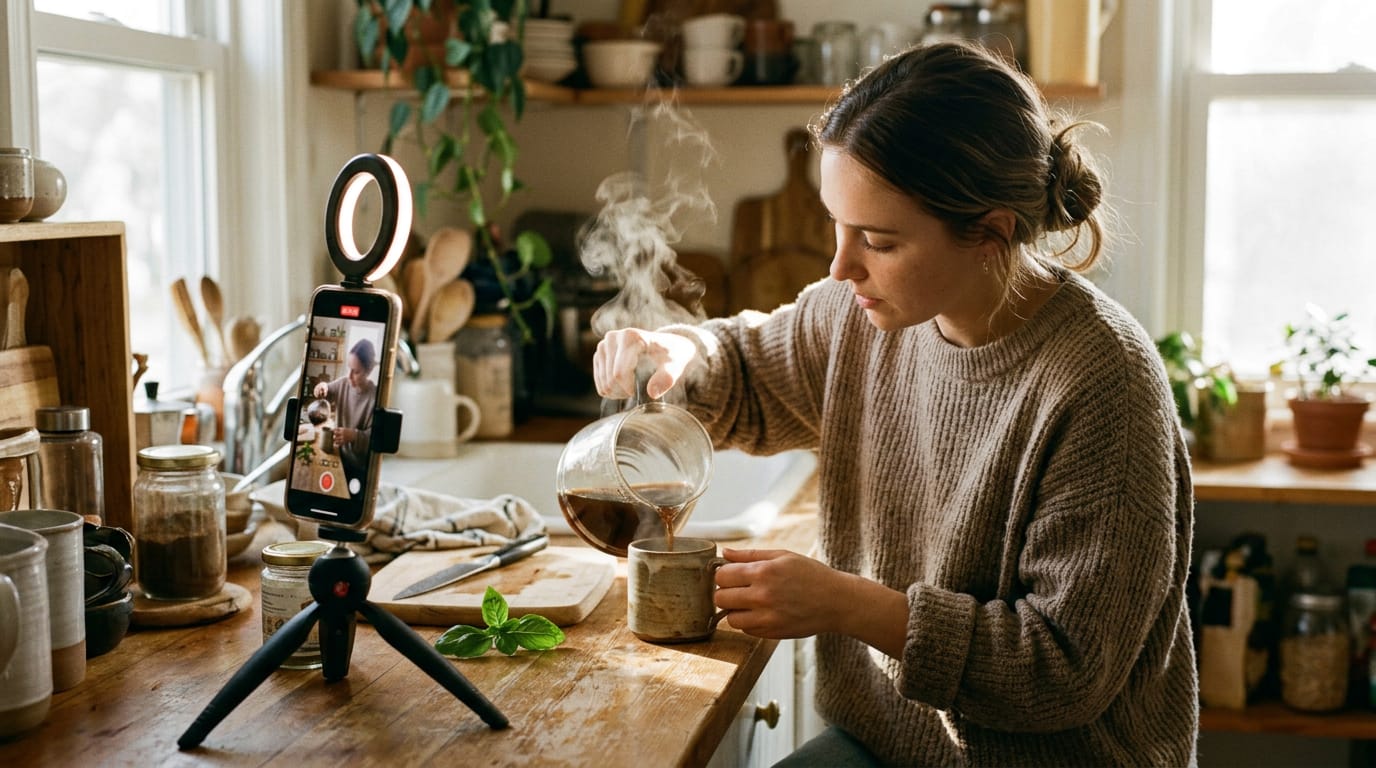
Reels Video Explained: What It Is and How to Make One
A Reels video can look polished at home with the right lighting. Get the format basics, growth stats, and practical filming tips for shooting at home.
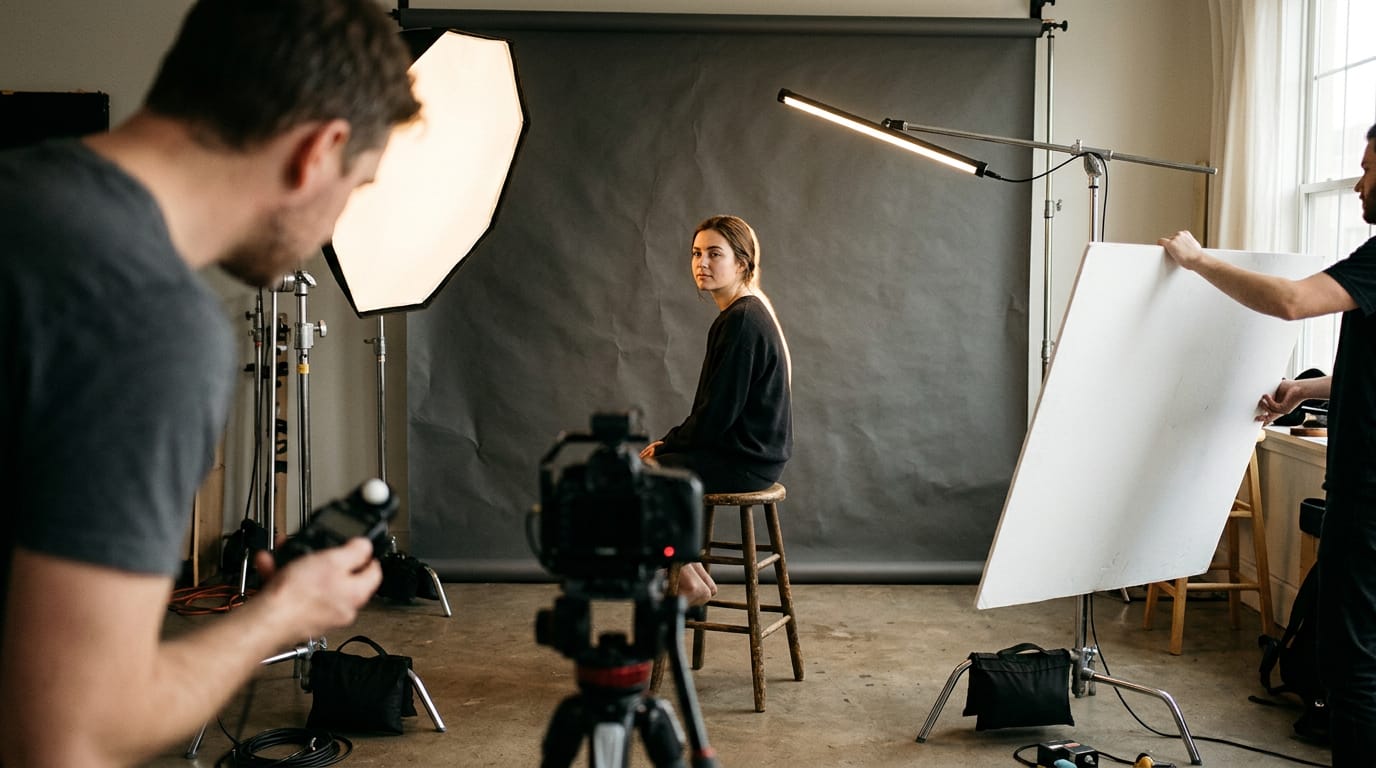
Portrait Lighting Setup Explained: Roles and Patterns
A portrait lighting setup uses three light roles to build four classic patterns, with budget LEDs you can position at a desk or window and adjust easily.
What Is Low Key Lighting Film and How Does It Actually Work?
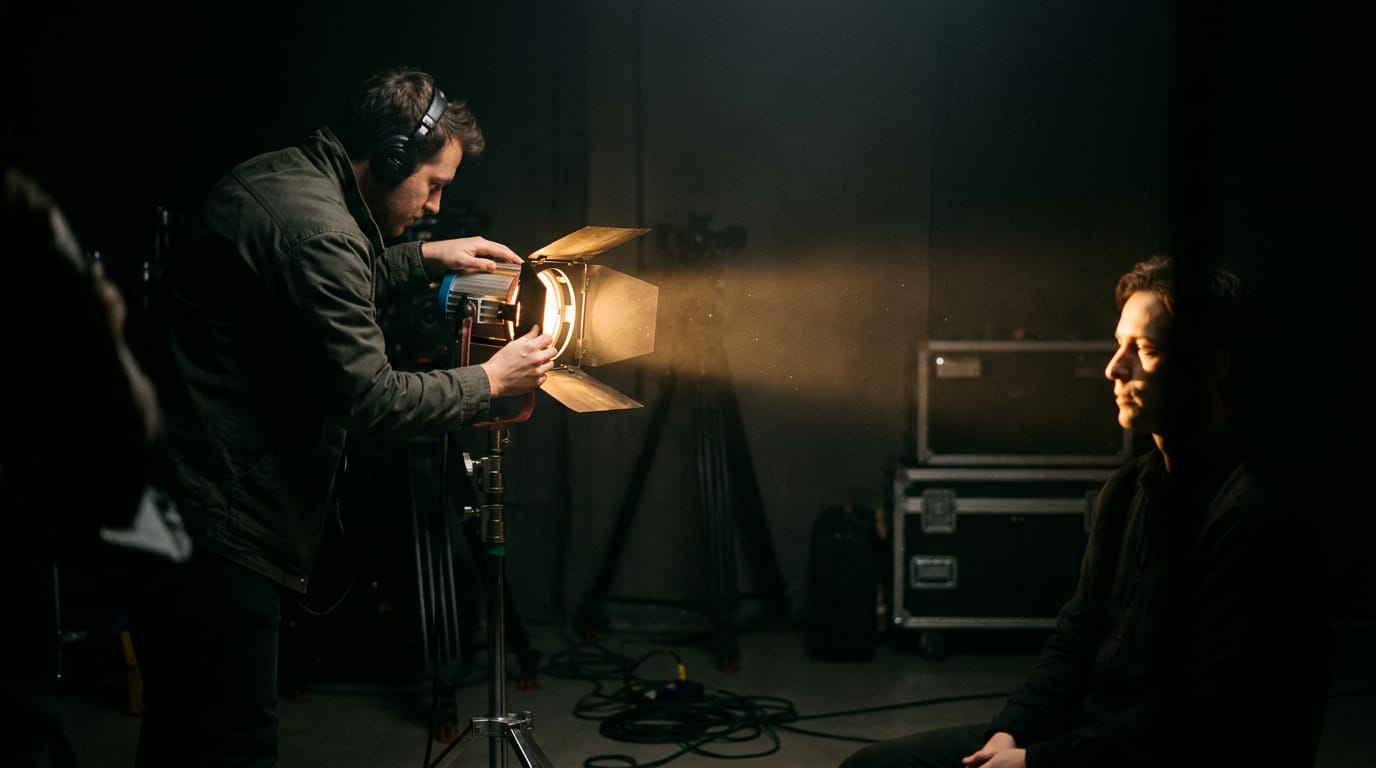
Low key lighting film creates tense scenes with controlled shadows. Learn light ratios, avoid setup mistakes, and recreate the look in a bedroom or home office.
How to avoid glare on glasses on camera
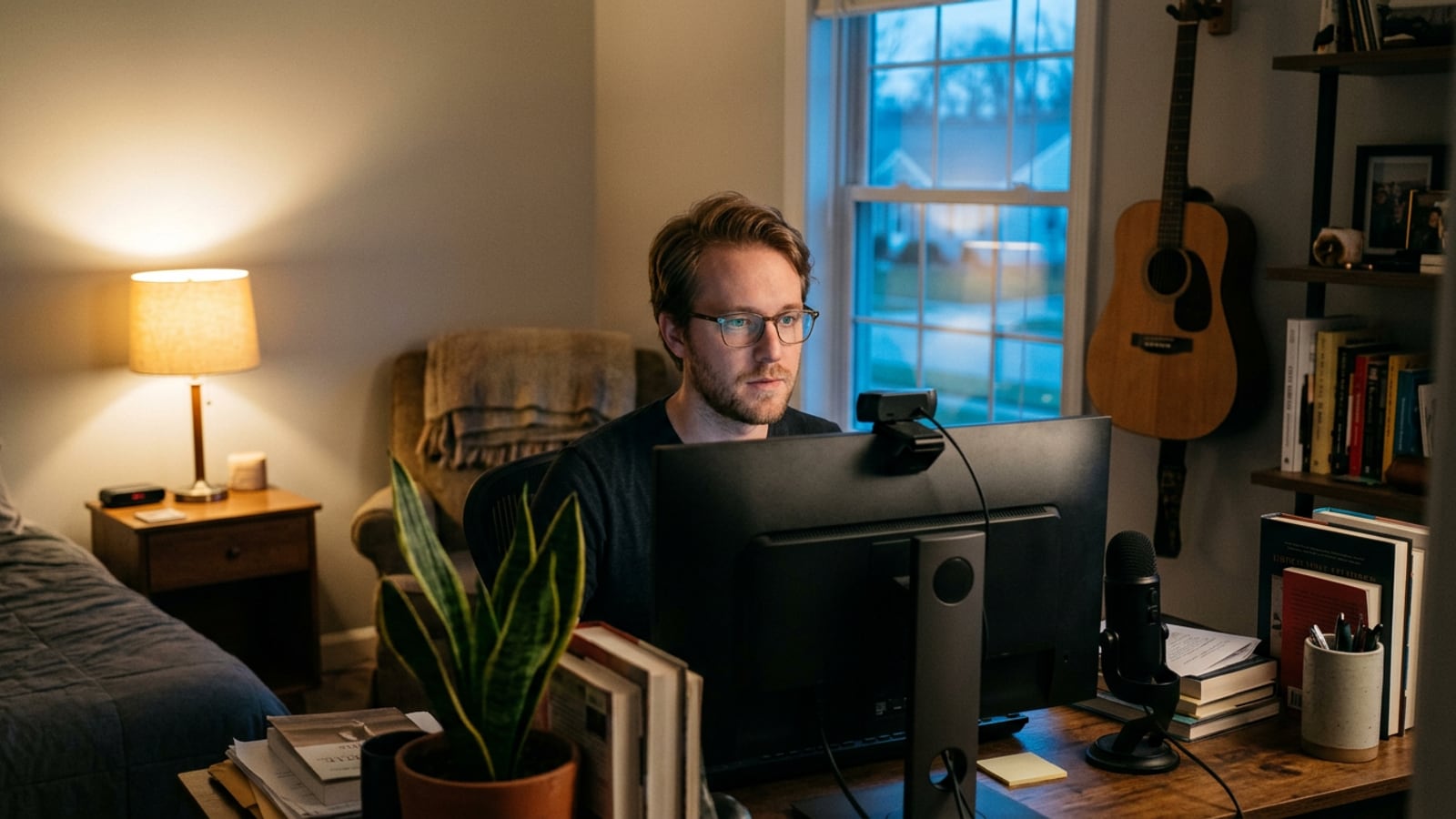
Keep lights, windows and the monitor out of your glasses on video: where to raise and move the light, a two-minute test to find glare, and what lenses can do.
How to light a talking-head video with one light
One soft light in the right place beats three in the wrong ones: where it goes, how high and how close, a white bounce for fill, and camera settings to match.
How to use window light for video at home
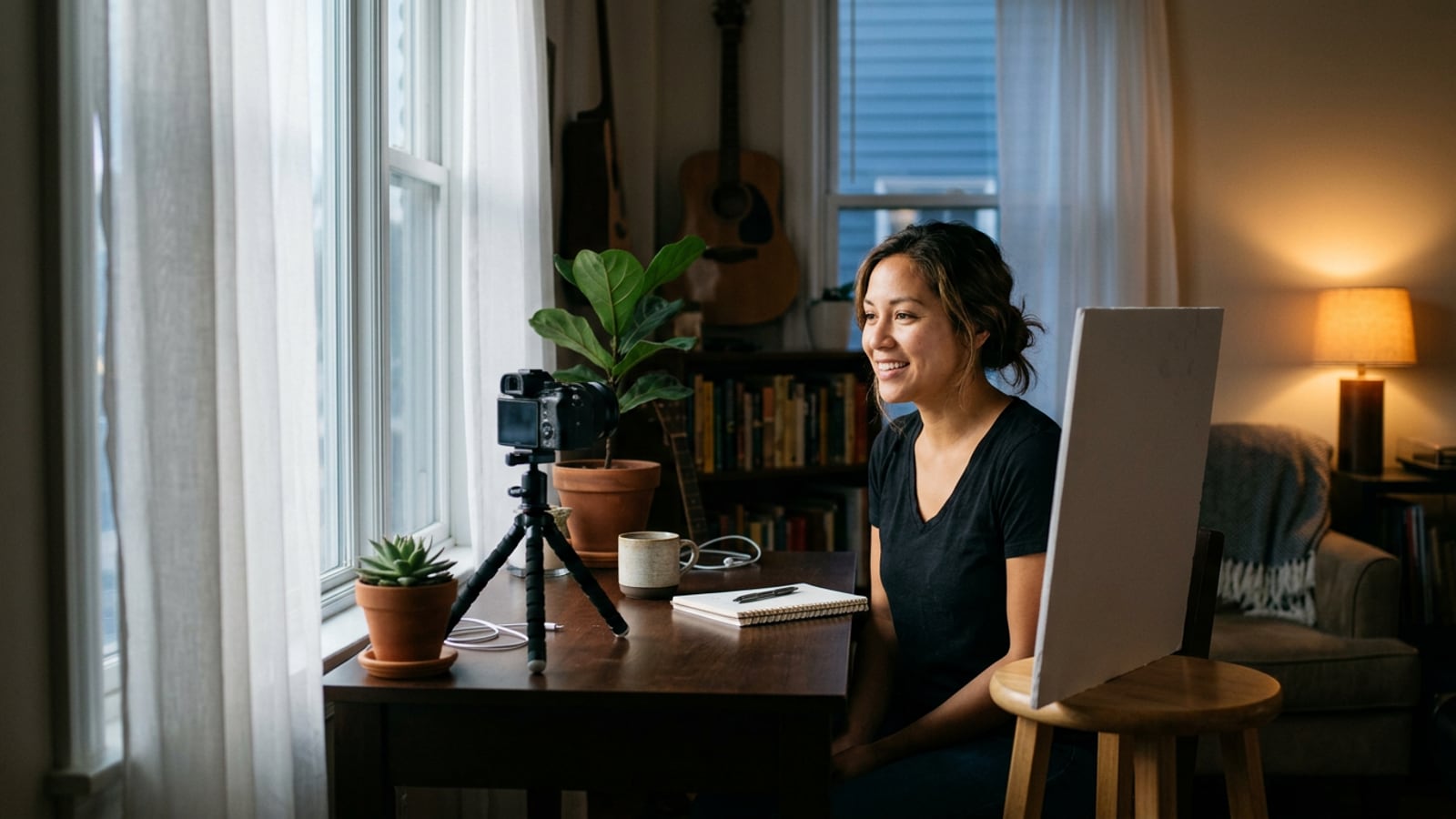
Where to sit by your window, how far and at what angle, how to bounce in fill, handle sun and clouds, and keep one color on your face when lamps are on too.
Ring light vs softbox vs LED panel for video
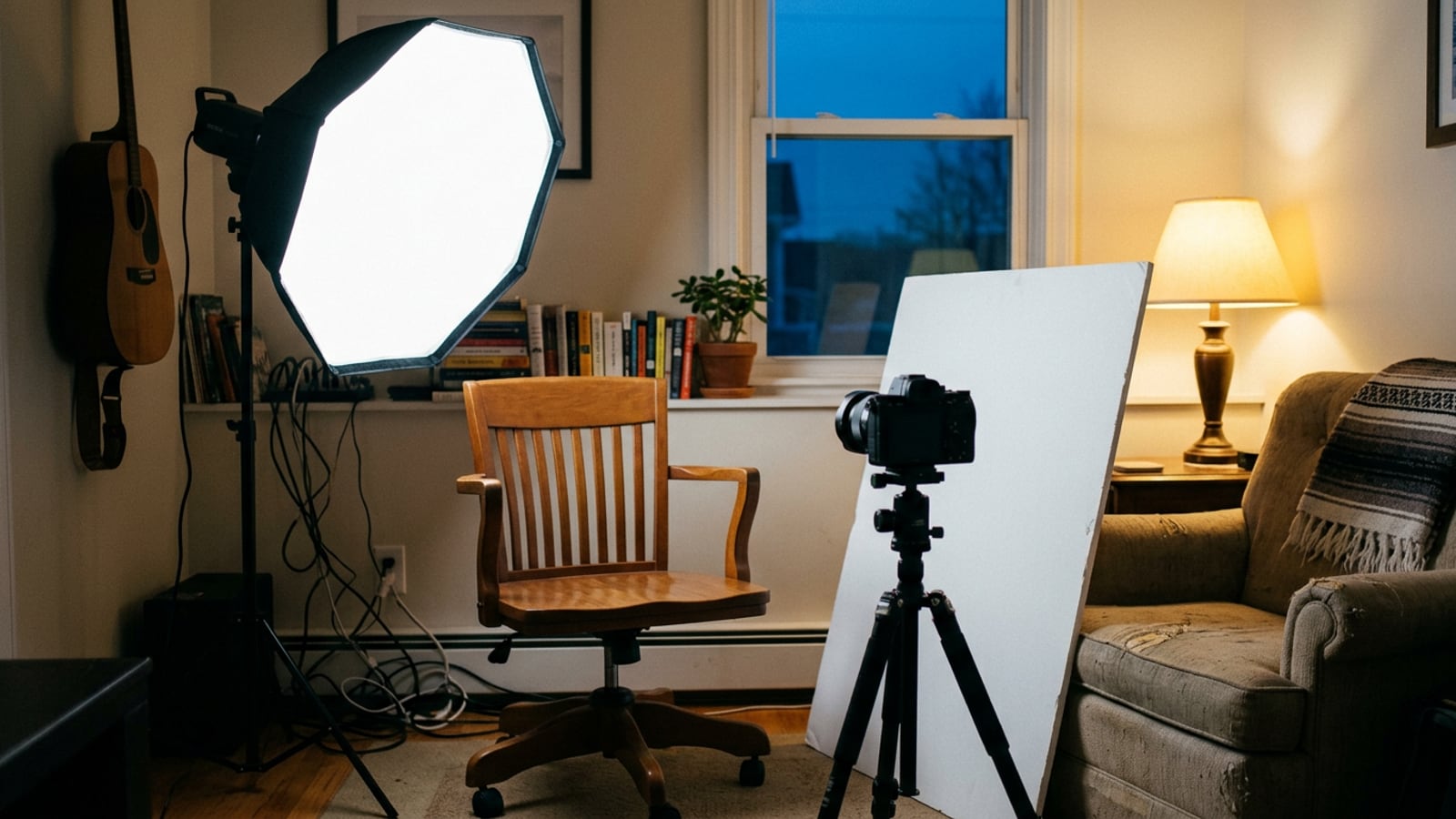
A ring light, a COB light in a softbox or a desk LED panel: how each looks on your face, the room it takes, what it does in glasses, and which to buy first.
Three-point lighting at home: key, fill and back light
Where the key, fill and back light go in a 10-by-12-ft room, in feet and degrees, how bright each one should be, and which to leave out when space is short.
Webcam vs phone vs camera for YouTube: which to use
Webcam, phone or mirrorless camera: what each shows on screen, how each plugs into a computer, what it costs, and when the phone you own is enough.
YouTube studio setup for a small room: a checklist
A checklist for a filming spot in a room under 10 by 10 ft: the spot, the wall gap, light, sound, camera, background and cables, then a five-minute setup.