What Is GIMP Software, a Free Image Editor Explained
What is GIMP software? See how this free image editor handles thumbnails, what it costs, whether it’s safe, and how it compares with Photoshop.

Chapters
In short
GIMP, short for GNU Image Manipulation Program, is a free, open-source editor for pixel-based images such as photos, graphics, and thumbnails. It provides tools for painting, retouching, filters, layers, and many image formats, with scripts and plug-ins available for extending or automating tasks. It can handle many everyday creator needs without a paid subscription, but takes practice and has limitations compared with Photoshop, especially for non-destructive edits and print color workflows.
Picture a thumbnail that’s almost ready: the background is a bit busy and your face could use a brighter edge. You could open a paid program you’re not sure you need, or reach for a free tool that handles the same job. That’s where GIMP comes in.
GIMP (short for GNU Image Manipulation Program) is a free, open-source image editor for photos, graphics, and thumbnails.
In this post, we’ll cover what it is, what it costs, whether it’s safe to use, how it compares to Photoshop, and where it fits in a home studio workflow.
What Is GIMP Software at Its Core
Here’s what GIMP is, who builds it, and what sits underneath.
What does GIMP stand for?
In computing, GIMP stands for GNU Image Manipulation Program, a raster image editor for pixel-based pictures like photos and thumbnails. According to a web mapping study, it’s an open-source editor. It’s also the most popular open source option.
GIMP is often called a Photoshop alternative. Are they the same? Not quite: they overlap on plenty of editing work, but they’re separate programs from separate teams, so they’re similar without being the same.
Who builds GIMP, its license, and platforms
GIMP is developed by The GIMP Team under the GPL license, the GNU General Public License, which lets you use, study, change, and share the software.
- Native to GNU/Linux: the software is included as a standard application in many Linux distributions.
- Wide platform availability: it runs on a wide range of platforms, not just Linux.
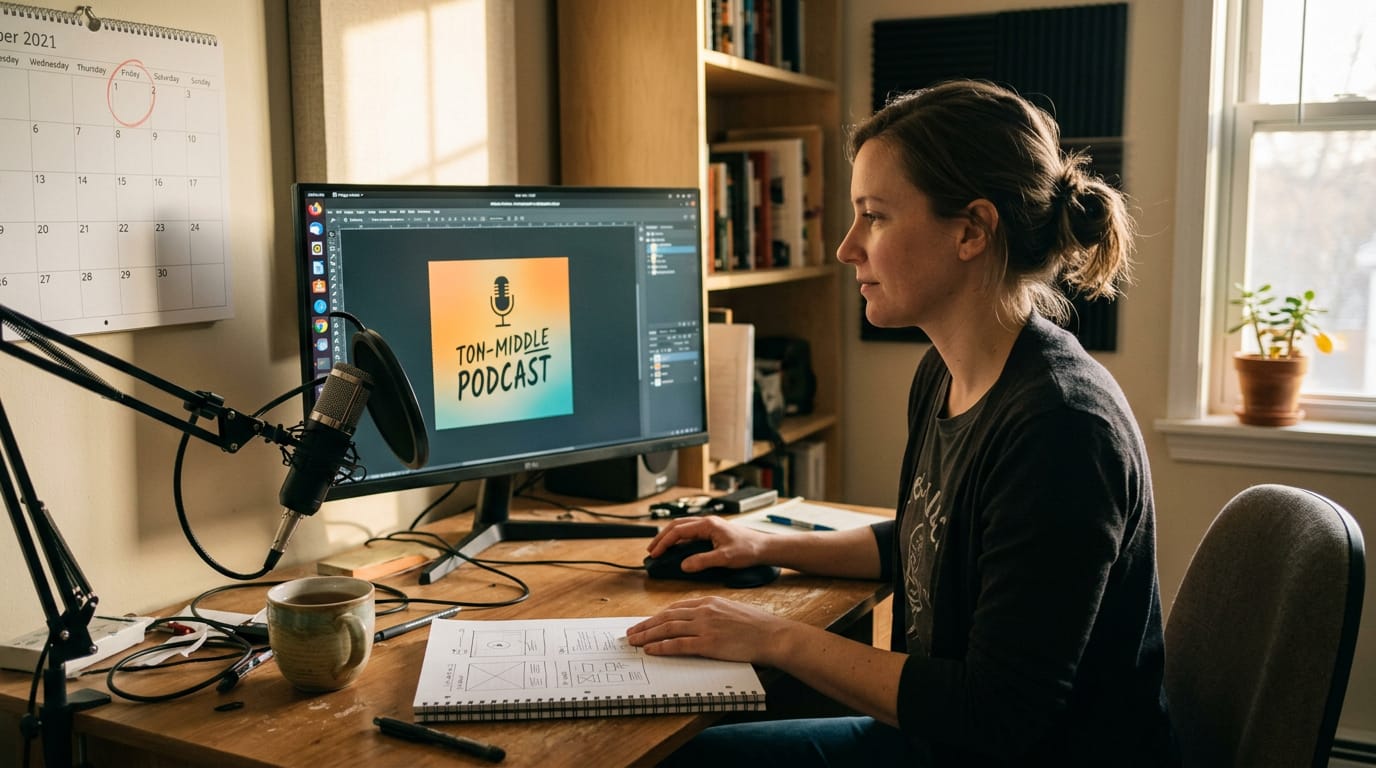
Think of a podcaster on Linux who needs a cover image by Friday. If GIMP is already installed, she can start right away.
Is GIMP safe to download? It can be, if you use the official project website or your Linux distribution’s package manager. Skip random download sites: where you get it matters most.
The building blocks underneath GIMP
A few pieces of software handle how GIMP looks and responds on screen:
- X server: the display layer on Linux that draws windows and passes mouse and keyboard input to programs like GIMP.
- GTK, a user interface toolkit: ready-made parts like buttons, menus, and panels that GIMP’s interface is built from.
- KDE and GNOME: two popular Linux desktop environments, meaning the full desktop around your windows. GIMP runs on both.
You’ll rarely think about any of it. That’s the point.
Tools and Features GIMP Packs In
GIMP covers more ground than you might expect, and it’s built to grow. Here’s what’s under the hood.
Painting tools, filters, and effects
GIMP includes a full suite of painting tools, so you can touch up a backdrop or add a hand-drawn accent without leaving the program. Its many graphic effects and integrated filters sit right beside those brushes.
Consider a YouTuber who paints a highlight onto her thumbnail, adds a filter to make the title pop, and tweaks the colors to match her channel, all in one session.
Image formats GIMP reads and writes
A file format is the way an image is saved, and GIMP handles a wide range of them. These include:
- GIF (Graphics Interchange Format)
- JPEG (Joint Photographic Experts Group)
- PNG (Portable Network Graphics)
- TIFF (Tagged Image File Format)
- PDF (Portable Document Format)
- BMP (bitmap)
- PSD (Photoshop Document)
Many other formats are supported too. Picture a podcaster whose designer sends a logo as a PSD. She opens it in GIMP, adjusts the colors, and exports a JPEG for her thumbnail without rebuilding the artwork.
Extending GIMP with scripts and plug-ins
GIMP is built to be extended. Its modular plug-in architecture lets new formats and filters be added as separate pieces.
For repetitive work, Script-Fu taps into GIMP’s procedural database, a built-in library of commands that scripts can call on your image. Advanced scripting goes further for long projects.
Consider a course creator who makes a title card for every lesson. A script can run the repeated steps, so the first lesson and the last share the same look.
It’s less about how many features come in the box and more about how far you can push the program yourself. Set it once. Reuse it all season.
Ways People Put GIMP to Work
GIMP covers a lot of ground, but most home creators use it for a few core jobs. Here’s where it earns its spot in your workflow and where it tests your patience.
Photo edits, new artwork, and thumbnails
- Editing existing photos. Cropping, color, and brightness fixes.
- Creating new artwork. Drawing, painting, and building graphics from scratch.
- Simplified image creation. Stacking text, shapes, and photos into one file.
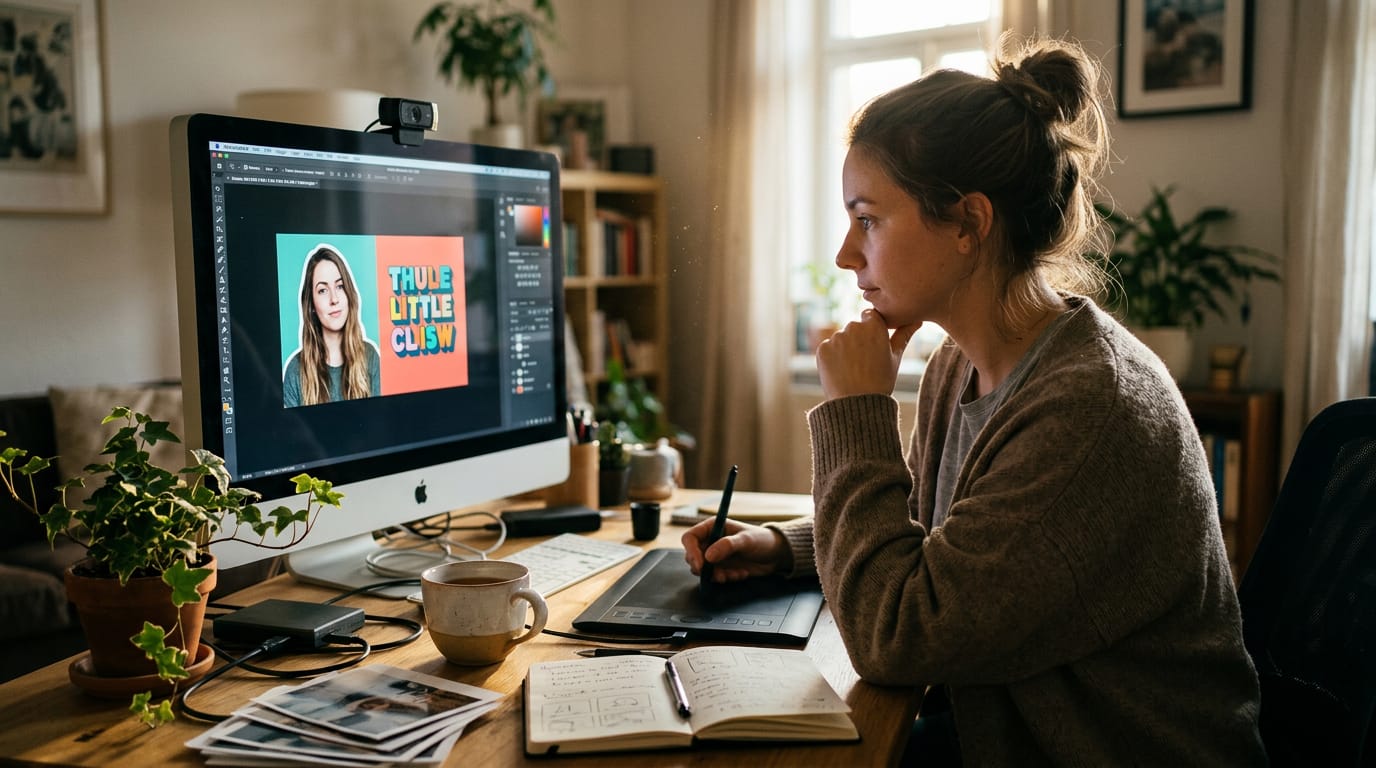
- Making YouTube thumbnails in GIMP. A streamer shoots a quick face-cam still in her office, then adds a bold title and a color block behind her for a clickable thumbnail by dinnertime.
- Cleaning up stills and portraits. Removing a dust speck from a product shot or evening out a shiny forehead under one main light.
Where GIMP falls short for beginners
GIMP is a capable tool, but it asks more of you than most beginners expect. It rewards patience rather than shortcuts, and Photoshop users should expect a few features to work differently or be missing.
- Not a magic button. It won’t pick your title, colors, or layout for you.
- No instant retouching. Smoothing skin takes manual, patient work, not a one-click filter.
- Requires learning digital imaging. Concepts like layers (stacked pieces you can move or hide) need a basic grasp first.
- Non-destructive editing and CMYK limits. Non-destructive editing lets you change an adjustment later without damaging the original, and GIMP offers less of that than many expect. Its color work centers on RGB (red, green, and blue light, the mode screens use). Consider a real estate agent printing an open-house flyer. Printers want CMYK (cyan, magenta, yellow, and black inks). Plan for the detour.
Joining the Community and Finding Help
GIMP grows through people sharing what they make and what they’ve learned. Here’s how you can pitch in, and where to turn when a thumbnail refuses to cooperate.
Ways to give back to the project
Giving back doesn’t have to mean writing code. Often it’s less about building the software and more about sharing what you’ve figured out.
- Share artwork in the gallery. Post your finished thumbnails and stills so others can see what’s possible and borrow your approach.
- Publish by-example tutorials. Walk through a real task step by step, with the exact settings you used.
- Write scripts or plug-ins. Automate a repetitive job and share it so other users can skip the grind.
Think of a streamer who builds a thumbnail template, then resizes it by hand every Friday.
A short script that handles the resizing takes that chore off her plate, and when she shares it, the next creator with the same routine skips the whole mess. Small shares add up.
Useful sites, forums, and related tools
When you’re stuck, these are the places to look:
- Official website. Start here for the latest version and official updates. Download GIMP only from this site so you know the installer is the genuine one.
- Plugin registry. Browse add-ons that extend what GIMP can do before you build your own.
- Tutorials and user forums. Search past threads first, since someone has probably hit the same snag. Ask your question if you can’t find the answer.
- ImageMagick and other imaging programs. Worth a look when a job needs a different tool, because the right tool for the job isn’t always GIMP.
GIMP’s Rise in Popularity
GIMP didn’t become popular overnight. Here’s how its audience grew, which projects brought it into the spotlight, and why some creators have moved over from Photoshop.
How adoption grew over time
Early adoption was slow. For a long stretch, most people using GIMP were on Linux, so it was a niche choice for everyone else.
Think of a creator on a Linux machine who needs a quick thumbnail fix: GIMP runs on their system, so it’s the obvious first stop.
Over time, its capabilities grew and its user base widened, and the question shifted from how many people tried it to what they could make with it. Growth came in steps.
Notable projects and the shift from Photoshop
Notable projects make the story concrete. Lucas the Game is a useful example, since it shows GIMP putting its work in front of a wider audience. Other projects have gone further and made all of their art in GIMP, from start to finish.
That’s a strong signal for creators wondering whether a free tool can handle real production work.
Consider a home-studio creator who used to reach for Photoshop just to resize thumbnails and tidy up stills. Once they see how much of that work GIMP can handle, the switch looks easy, and the free download covers the basics they actually use.
That’s often where the shift away from Photoshop begins.
GIMP gives you a capable, free way to clean up thumbnails and stills without spending a dollar on software. It won’t do everything Photoshop does, and for most home creators, it doesn’t need to.
For a thumbnail or still that needs one more pass, it’s a solid place to start.
The best editor is the one you’ll actually open when the upload deadline is close. Get the light right on set, and GIMP will get you the rest of the way to a finished frame.
References
Questions
What is the best free online photo editor?
GIMP is a strong free online download for photo editing, graphics, and thumbnails. It is not a browser-based editor, but it offers a capable set of tools for cropping, adjusting color and brightness, and creating artwork.
What does GIMP stand for in the context of computers?
GIMP stands for GNU Image Manipulation Program. It is a free, open-source raster image editor for pixel-based images such as photos and thumbnails.
Is GIMP software safe to download?
GIMP is safe to download when you get it from the official GIMP website or your Linux distribution’s package manager. Avoid unofficial download sites, which may distribute altered or unsafe installers.
Are GIMP and Photoshop the same?
No. GIMP and Photoshop are separate image-editing programs made by different teams, though they share many editing capabilities. GIMP is free and open source, but it differs from Photoshop in some features and workflows.