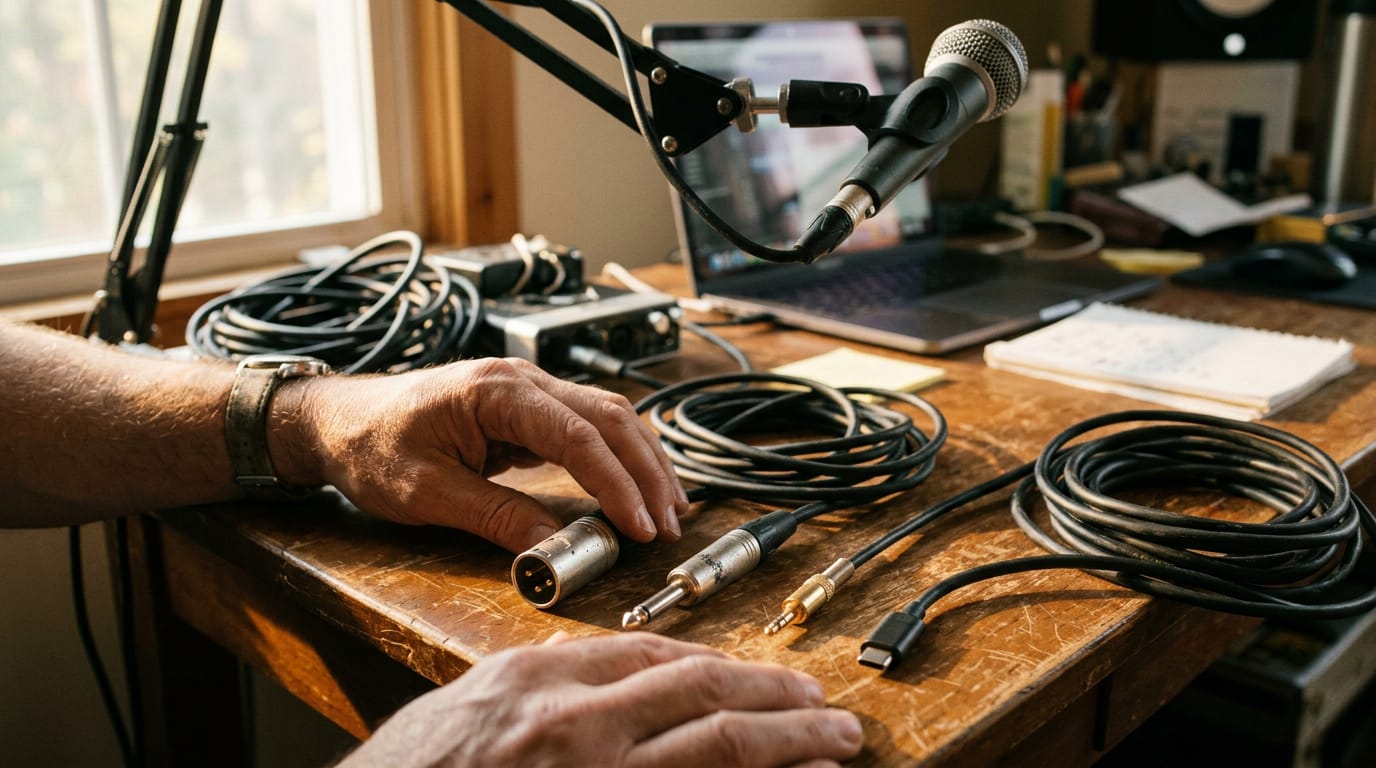
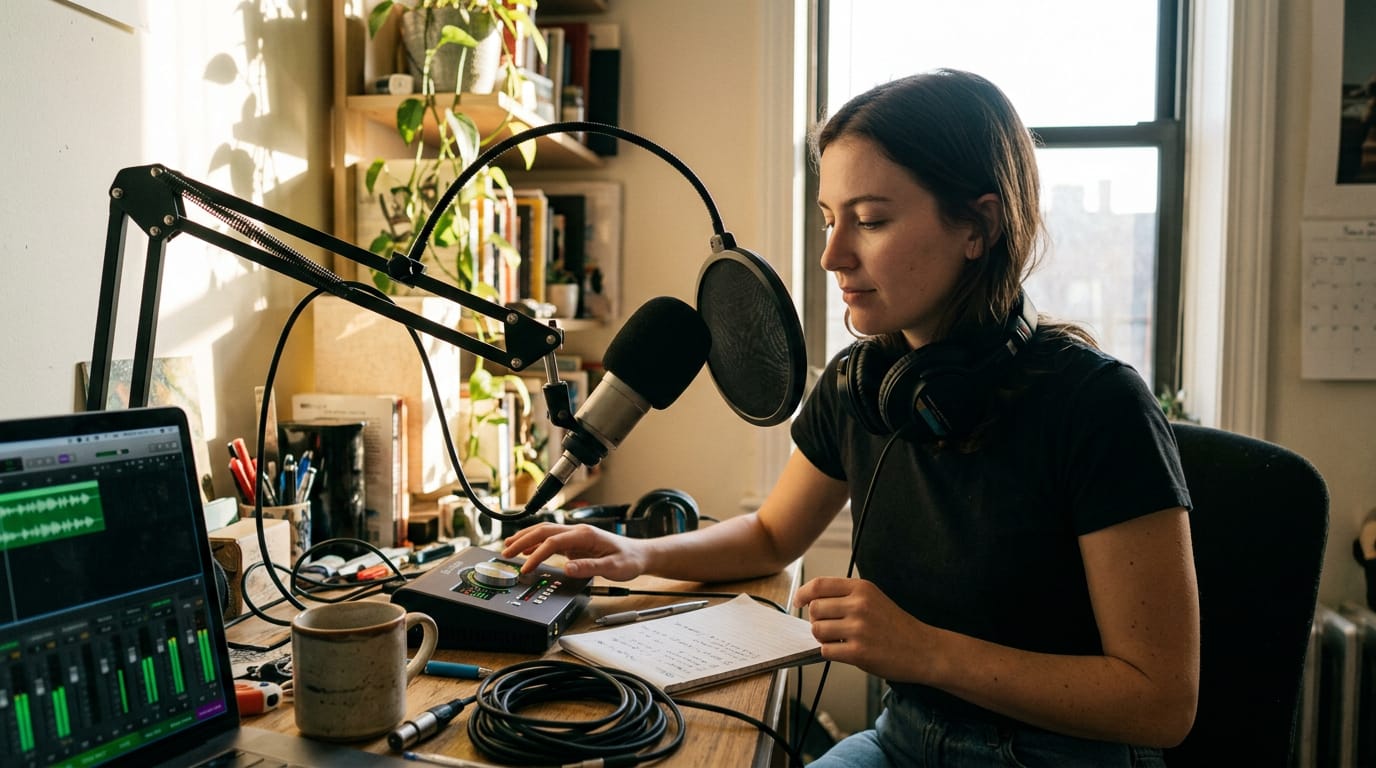
Microphone Input or Output Device Explained Simply
Is a microphone an input or output device? See how sound travels into your computer and why headsets can blur the line between input and output.

Chapters
In short
A microphone is an input device because it captures sound and sends it to a computer for recording, streaming, or calls. Headsets and some USB microphones also provide audio output through built-in headphones or a headphone jack, but that does not change the microphone’s role. For a home setup, choose a connection that fits your needs, select the mic as the computer’s input, and use headphones to monitor sound without speaker bleed.
Think about ordering at a drive-thru. You lean toward the speaker box, say your order, and the person inside hears every word.
So, is a microphone an input device or an output device? It’s an input device. It takes sound from the air around it and sends it into your computer. Headsets and some USB (Universal Serial Bus) mics blur that line, and we’ll untangle them.
Here’s what we’ll cover: what input and output really mean, how mic signals reach your computer, and which mic types and connections make sense for a home setup.
Is a Microphone an Input or Output Device?
A microphone is an input device: it picks up sound and sends it into your computer. Headsets and USB mics with headphone jacks blur that line, so here’s how to sort them out.
Why a microphone counts as an input
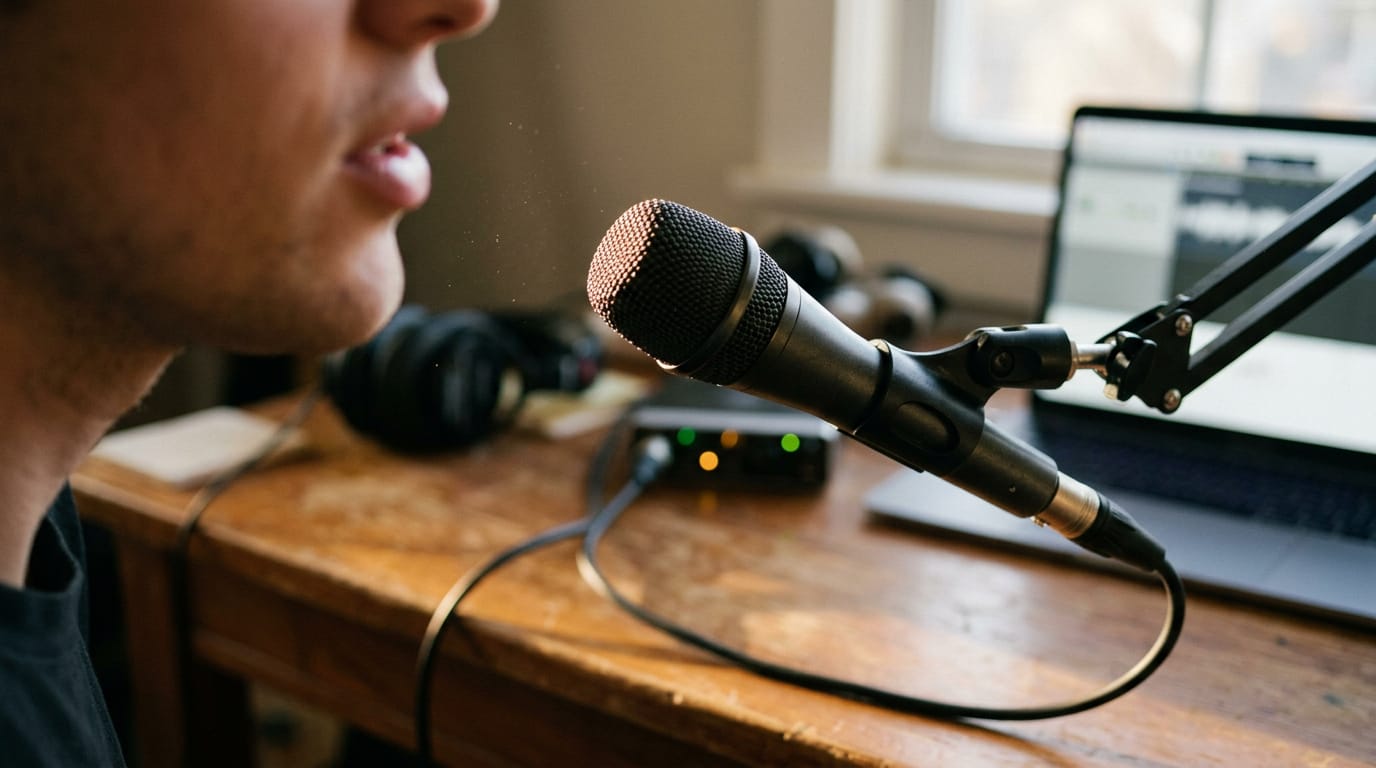
A mic captures sound as input, sending what you say into your computer to be recorded, streamed, or shared on a call. It’s listed among the standard input examples and is essential for voice work and conferencing.
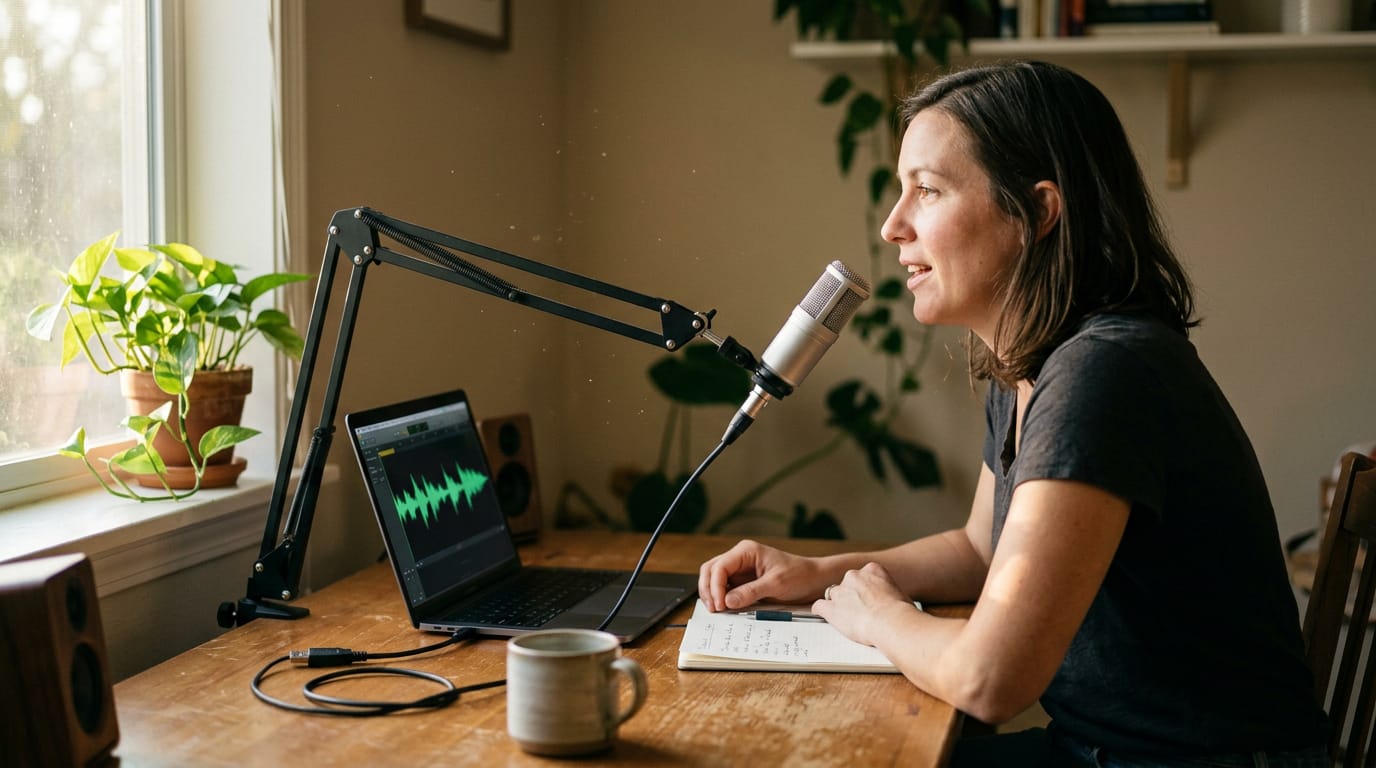
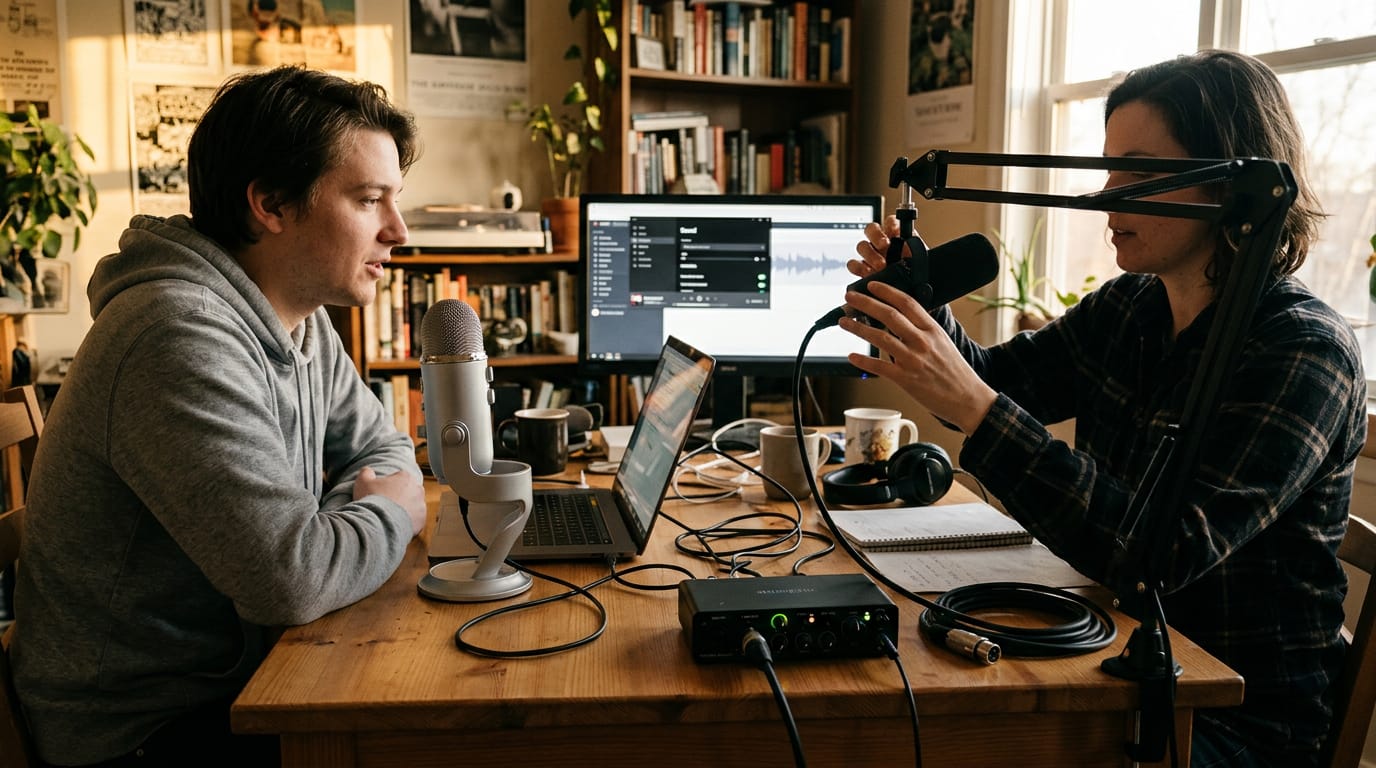
Mics show up anywhere a voice reaches a computer: podcasts, live streams, video calls, and course videos. Picture a podcast host recording in a converted closet. Her voice is the whole show, and the mic gets it into the computer.
Mics that work in both directions
Some gear works in both directions:
- Digital mics with headphone amps capture sound as data and drive your headphones through a built-in amp (a small amplifier that powers them).
- Headsets combine a mic and a speaker in one unit.
- Headphones with mics do the same job in a different shape.
Zero-latency monitoring, which means hearing yourself with no delay, comes from plugging headphones into the mic’s own jack. A streamer narrating a game who does exactly that hears her voice instantly and catches problems before her viewers do.
A mic alone versus a computer setup
A mic on its own only outputs an electrical signal, and the input it takes in is sound wave energy from the room. Whether that counts as input or output depends on the computer’s I/O (input/output) framing.
For a mic, it’s an input to the computer, not an output from it.
Mics start the signal flow, and everything downstream depends on that first link. Get it right first.
What Input and Output Devices Really Are
Before you pick a mic, it helps to know which side of the computer it sits on.
The basics of input and output
Input devices send data to your computer, like a mic sending sound. Output devices receive data and reproduce it, like speakers playing it back.
From the computer’s side, both jobs fall under input/output (I/O), which simply means data coming in or going out. Think of it as listeners versus speakers. Your mic listens, and your speakers speak.
How input and output compare
Here’s how the two sides differ:
- Who’s in control. Input starts when you act. Output waits for the computer to decide what to show or play.
- Purpose and complexity. Input devices must capture your actions accurately, so they’re often the more involved half. Output devices mainly deliver the result.
- Signal flow. Input turns your action into data, the computer processes it, and output turns the result back into something you can see or hear.
Picture a podcaster typing show notes while her monitor shows her last episode’s timeline. The keyboard is the input, the monitor is the output, and the computer does the work in between.
If her mic disappears from recording software, she checks the input side first.
Devices that handle both jobs
Some gear works both sides:
- Headsets. The mic sends your voice in, and the earcups send sound out.
- Touchscreens. Taps go in, and the display shows results out.
- USB drives. You save files to them (input) and open them (output).
- Network cards. They send and receive data over a network.
- Webcams with microphones. The lens and mic send data in, and the on-screen preview is output.
So the question isn’t what a device looks like but which way its data moves. Direction decides it. A headset mic is still an input, even though you wear it alongside your output.
How Microphone Signals Reach the Computer
Your voice takes a few trips before it lands in a recording, starting as sound and ending as numbers.
Turning analog signals into digital data
A microphone outputs an analog signal, a continuous electrical wave of alternating-current (AC) voltage that rises and falls with the sound.
An analog-to-digital converter (ADC) measures that wave many times a second and turns each reading into binary code, the 1s and 0s computers understand. An analog signal is smooth, while a digital one is a series of snapshots.
Ways to plug a mic in
Where that conversion happens depends on how you connect:
- Hub-style audio interface: a desktop box with several inputs, such as the Scarlett.
- Adapter-style interface: a compact unit for a single mic, such as the X2U.
- USB (Universal Serial Bus) digital microphone: it handles the conversion inside the mic, so it plugs straight in. The Yeti is one example.
An XLR (the round, locking connector) mic needs an interface to do the converting, while a USB mic does that inside itself. Picture a streamer who starts with a Yeti, then adds a co-host on an XLR mic.
An interface like the Scarlett gives both voices a clean path into one computer and can take on more mics as the show grows.
Once it’s plugged in, open your sound settings and choose your mic as the input device.
How a mic changes sound into electricity
Sound is pressure moving through the air. A diaphragm reacts to that pressure and moves with it, creating the analog signal. Some mics also need direct-current (DC) power, a steady one-way current that runs their internal electronics. Condenser mic placement changes how that pressure reaches the diaphragm.
Sound becomes electricity, and electricity becomes data.
Everyday Devices That Send Data In
Your desk is full of input devices, all sending information into your computer. Your mic does the same job with your voice.
Keyboards, mice, and other typical inputs
- Keyboard. Each key press becomes a signal your computer reads as a letter or a command. Streamers often set shortcuts that mute the mic mid-stream.
- Mouse. It tracks your hand’s movement and turns it into cursor motion and clicks.
- Joystick. A controller that sends stick and button positions in real time, mostly for gamers.
- Scanner. Turns a printed page or photo into a digital file.
- Webcam. Sends video of you to the computer, and its picture depends heavily on your room’s light.
- Touchpad or trackball. A touchpad is the flat pad on a laptop you slide a finger across. A trackball stays put while you roll the ball.
Which input gear to buy and why
Choose for fit rather than features. Mice have come a long way, and today’s options fall into a few main types. Wired mice never need charging, while wireless mice trade the cable for batteries or a charge.
Keyboards come in full-size layouts with a number pad, or tenkeyless versions without one, which frees desk space. Ergonomics, or how well gear suits your wrists and posture, matters during long sessions. Comfort wins.
Here’s how we’d pick gear by setup:
- Streamer at a fixed desk: a wired mouse and full-size keyboard, with shortcuts set so muting is one keypress away.
- Podcaster in a tight corner: a tenkeyless keyboard and a touchpad or trackball, leaving room for the mic and its stand.
Everyday Devices That Show or Play Results
Plenty of the output on your desk comes from gear you already own, so we’ll start there.
Monitors, printers, speakers, and more
An output device turns what your computer produced into something you can see or hear. Monitors show the picture, printers put it on paper, speakers play sound, and projectors throw the image onto a wall. Headphones do the same job privately.
Inside the machine, a sound card sends audio out, and a video card (also called a graphics card) sends the picture to your screen.
Listening through speakers and headphones
Speakers play whatever your computer makes. Headphones without a mic are pure output, but add one and the same pair becomes both input and output. The mic is what changes the answer.
If speakers leak into your mic while you record, that playback ends up in your track. Closed-back headphones wrap around your ears and block that spill, which is what prevents mic bleed.
A streamer talking over a game soundtrack gets a clean voice track, with no music baked into every clip. That’s the whole trick. The advanced audio properties in OBS are where that trick gets set up.

Screens and projectors that show visuals
Visual output comes down to three choices:
- Monitor technologies. Panel types differ most in color and brightness, so compare a few side by side and trust your eyes over the spec sheet.
- Projector for large audiences. A course creator teaching a live workshop can project slides onto a wall so every student can read them, where a monitor only serves one person.
- Display resolution. Resolution is the number of pixels, the tiny dots that build the picture. More pixels means sharper text, so don’t chase the biggest number on the box.
Running a Microphone in Reverse
Ever wondered if the mic on your desk could double as a speaker? The answer depends on the design.
Why a mic resembles a loudspeaker
A moving-coil mic is built a lot like a loudspeaker. A thin diaphragm sits on a coil of wire inside a magnet. When sound hits the diaphragm, the coil moves and creates a small electrical signal through electromagnetic induction.
Both rely on electromagnetic induction, so a speaker is essentially a mic running in reverse. An electrical signal flows into the coil, which pushes the diaphragm to move air. Same parts, opposite job.
Think of a podcaster who wonders whether her old moving-coil mic could double as a desk speaker. She could try, but the sound would be lackluster, so she’s better off buying a speaker built for the job.
Which mic types can run in reverse
Here’s how the common types stack up:
- Moving-coil mics: Their signal flow can run in reverse, which makes them the most natural candidates.
- Condenser mics: They need a polarizing charge before they’ll work, so reversing one is more complicated.
- Ribbon mics: They’re sensitive, so running one in reverse isn’t advised.
Even the best candidate would give lackluster sound, so keep each device doing its own job.
A microphone is an input device: it captures your voice and sends it into the computer. Headsets and USB mics with headphone jacks can also send sound back to you, but the mic’s job stays the same.
For a home setup, start with your desk and how you’ll connect. A USB mic is often the simplest route, and a headset helps when you want to hear yourself without speaker sound bleeding into the recording.
Know which way the signal flows, and the rest of your setup falls into place. Get the signal path right, and your voice can do the rest.
Questions
Where is a microphone used?
Microphones are used wherever sound or speech needs to be captured, including podcasts, live streams, video calls, course videos, and voice recordings. They send the sound into a computer or other recording system.