Phantom Power for Condenser Mic: What It Is and How It Works
Phantom power for condenser mic setups explains why audio goes silent, which mic types need power, and how to check gear compatibility.

Chapters
In short
Phantom power is a low-voltage DC current sent through a balanced XLR cable to run most condenser microphones without a separate power supply. Turn on the +48V setting on a compatible interface, mixer, recorder, or camera, but check each mic first because USB and battery-powered condensers do not need it, and some ribbon mics can be damaged. Matching the mic, cable, and device prevents silent, weak, or damaged setups.
Plug a condenser mic into your interface and get nothing? Before you blame the cable, check for phantom power.
Think of it as a small electrical current riding down the same cable that carries your audio, so the mic gets the power it needs without its own battery or a separate adapter.
Condenser mics are sensitive, and most of them need that extra power to work at all. Phantom power is the switch that sends it, and it’s the piece many setup guides skip or gloss over.
In this post, we’ll cover what phantom power is, how it reaches the mic, and which mic types need it. We’ll also look at USB mics, on-camera shotguns, and multi-mic interfaces, plus troubleshooting for when your audio goes quiet.
What Phantom Power for a Condenser Mic Is
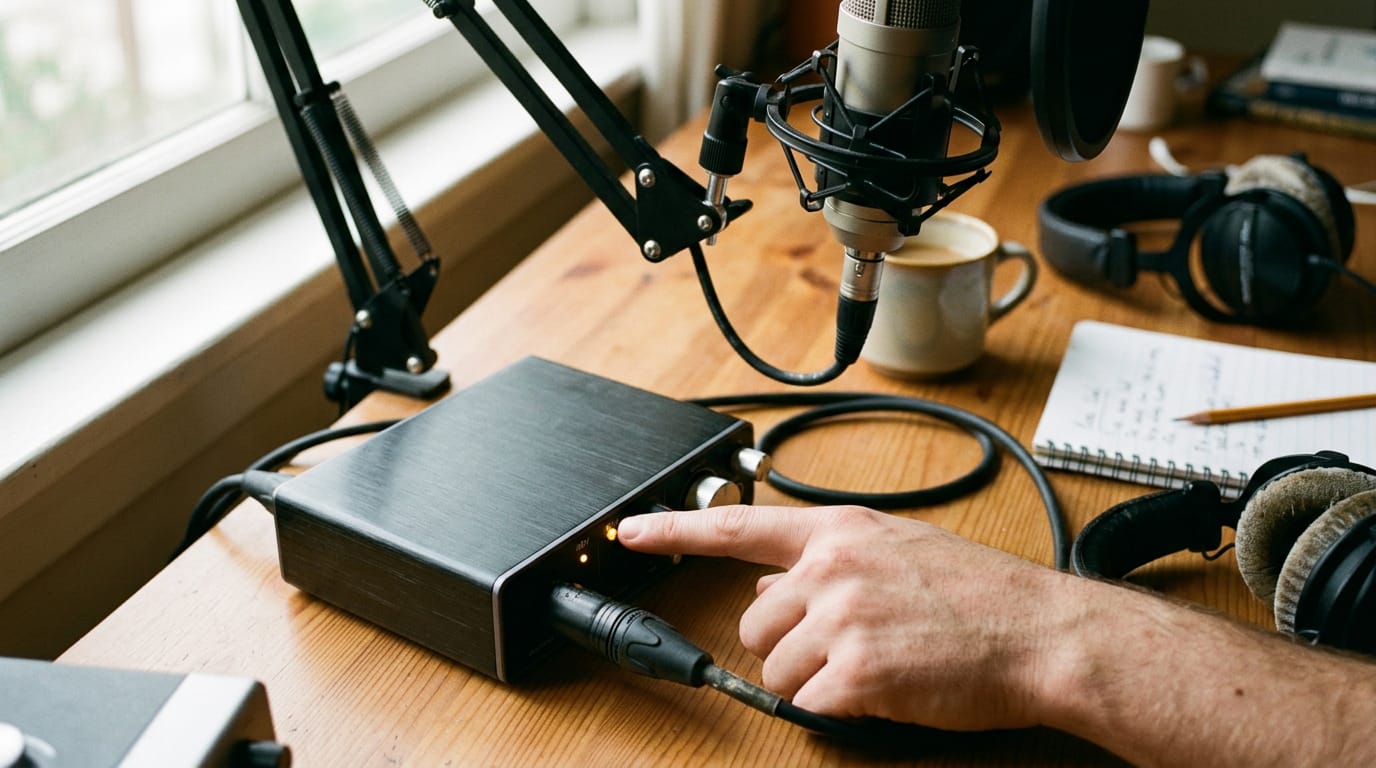
Condenser mics need a little extra electricity, and phantom power supplies it. It travels down the same cable as your audio, so you don’t need a second power supply.
Why mics need this hidden power
A condenser has a delicate capsule and a small internal circuit, and both need DC voltage to run. Phantom power sends that DC down the mic cable, powering either a built-in preamp or the charged back plate.
The name fits: the power is invisible and never shows up as sound. A podcaster in a converted closet plugs her condenser into an interface, flips one switch, and the mic is ready. No extra power brick to hide behind the desk.

The voltage you’ll actually see
Phantom power is typically 48 volts, though it can range from 9 to 52 volts DC. According to The Producer’s Bible from MusicProductionWiki, the IEC 61938 standard sets 48V ±4V as nominal, which makes 44 to 52 volts the acceptable window.
On your gear, look for a switch or button labeled +48V. That’s the one you’re after.
How the power travels through the cable
Phantom power uses a balanced three-pin cable, the standard XLR connector:
- Pin 1 is the shield.
- Pins 2 and 3 carry the audio.
The voltage is measured across pins 1 and 2 and across pins 1 and 3, so both audio lines get the same push. Between pins 2 and 3, you measure 0 volts.
That’s why the power doesn’t touch the sound: a balanced input cancels whatever sits on both lines, so only the difference comes through, and that difference is your audio.
Matching Mic Types to Power Needs
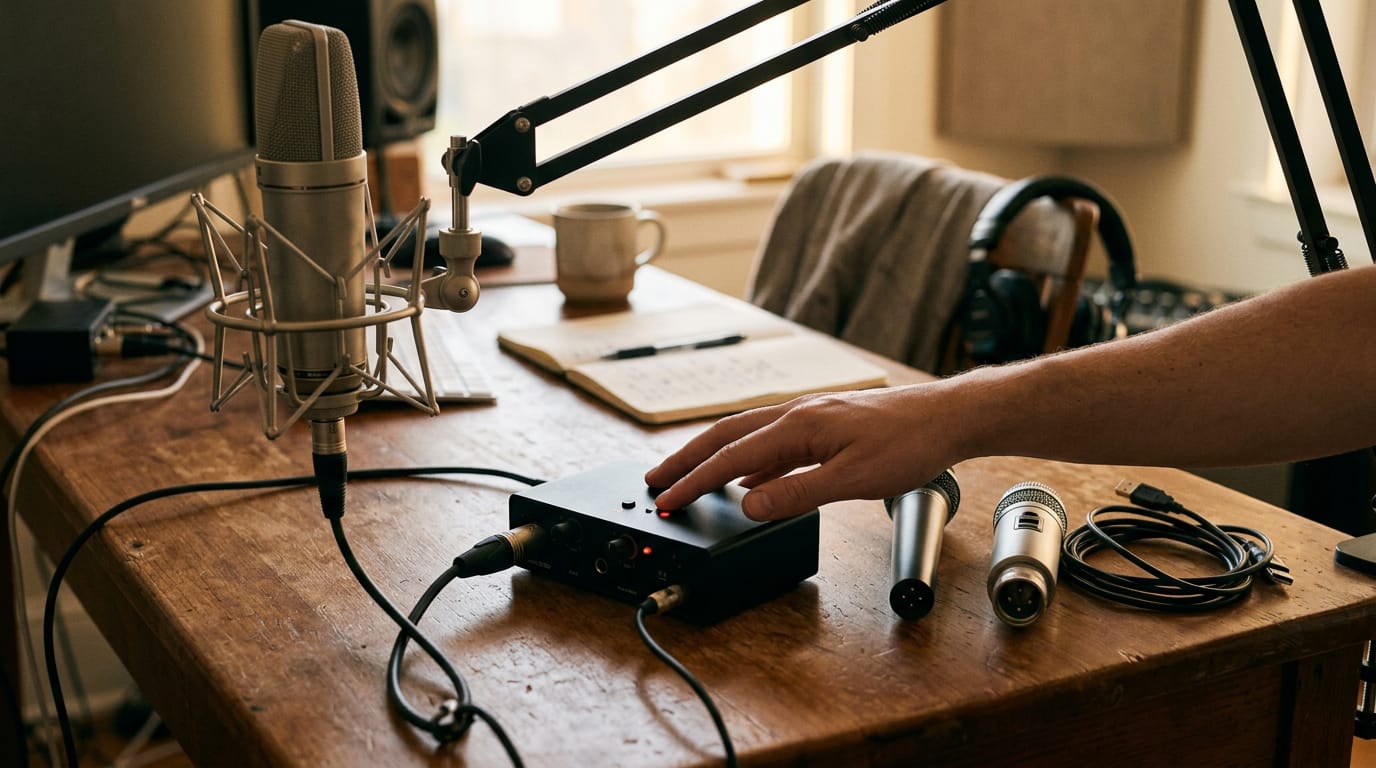
Before you plug anything in, check whether your mic has its own electronics. That one detail decides whether phantom power (48 volts of DC current sent down the XLR cable from your interface or mixer) matters at all.
Why condenser mics need external power
A condenser microphone needs a small amp circuit to turn sound into a usable signal, and that circuit runs on external DC power. That’s where phantom power comes in.
Condensers are more sensitive than most alternatives, so they capture fine detail in a quiet room. Some models don’t need phantom power at all, though, especially battery-powered and USB versions. Can phantom power damage a condenser mic? Rarely.
Most condensers are built to handle it, so switching it on is usually safe. Check the manual if you’re unsure.
Dynamic mics need no extra power
A dynamic microphone has no active electronics. Sound moves a diaphragm attached to a coil inside a magnet, and that creates the signal on its own. Flipping phantom power on or off makes no difference to it.
Dynamic mics are common for stage and podcast work, so you’ll see them on plenty of setups.
Other ways to power a mic
Not every mic relies on phantom power. Here are the main alternatives:
- Battery power: Some condensers carry their own battery, which helps when your interface has no phantom power switch.
- USB and computer bus power: A USB mic draws its power straight from your computer through the cable. USB condenser mics skip phantom power entirely.
- Other external power methods: Some mics use a dedicated power supply instead.
Ribbon mics are the exception to watch. A Finnish thesis titled Nauhamikrofoni reports that applying phantom power can damage some ribbon microphones, particularly models without protection against it. Check the mic first. Plug in second.
Gear and Compatibility Basics
Before you buy a condenser mic, check whether your gear can power it. Most phantom power headaches start with a device that quietly can’t deliver it.
Which devices can supply phantom power
Mixing consoles and audio interfaces are the usual sources. Some recorders and cameras offer it too, but not every device is guaranteed to supply it, so check the specs before you assume.
Cameras often underpower condenser mics, so a shotgun mic on the camera may sound weak. Picture a YouTuber filming walk-and-talk videos who plugs a condenser into the camera and gets a faint, hissy signal. A small interface fixes that.
Turning phantom power on and off safely
Depending on your device, you’ll find a switch, a button, or a software control. Turn phantom power off when you’re using non-phantom mics, and turn it off to avoid damage. Power down the device before plugging mics in.
A podcaster who swaps between a dynamic mic and a condenser flips phantom off before moving the dynamic in, then back on for the condenser.

What your setup needs to work
Phantom power travels down a balanced XLR cable (the three-pin cable most studio mics use), so an unbalanced cable won’t carry it. Each mic has its own power requirement, and devices vary in phantom power output.
The question is less about whether a device has phantom power and more about how much it can deliver. Non-phantom mics are fine too, as long as you disable phantom first.
If your mic gets no power, check the cable, confirm phantom is switched on, and confirm the device supports it. Running several condensers from one interface? Each mic draws current, and interface current draw limits can be exceeded.
Add mics one at a time and watch for dropouts.
Phantom power is simpler once you see the path: the interface sends power down the cable, the condenser mic uses it, and many dynamic mics don’t need it at all.
Knowing when to flip the switch, and when to leave it off, keeps your gear safe and your audio clean.
Whether you’re running one shotgun on your camera or several mics through a multi-input interface, the same logic applies. Check what each mic needs, match it to your gear, and you’ll spend less time troubleshooting and more time recording.
Your voice deserves a clean signal, and now you know how to give it one.
References
- Nauhamikrofoni — theseus.fi (2005)
- Phantom Power — The Producer’s Bible — musicproductionwiki.com (2026)
Questions
What is the phantom button on a mixer?
The phantom button on a mixer is the switch labeled “+48V.” It sends DC electrical power through a balanced XLR cable to microphones that need it, especially condenser microphones.
How does phantom power work for microphones?
Phantom power sends a small DC current through the same balanced XLR cable that carries the microphone’s audio. The power is applied equally to the two audio conductors, so the balanced connection rejects it while the microphone uses it to run its internal electronics or charge its capsule.
Can phantom power damage a condenser mic?
Phantom power rarely damages a condenser microphone because most condenser mics are designed to handle it. However, battery-powered or USB condensers may not need it, so check the microphone’s instructions before switching it on.
Is phantom power always 48v?
No. Phantom power is typically 48 volts, but supported systems can range from about 9 to 52 volts DC. The standard nominal value is 48 volts, commonly within a 44 to 52 volt range.
Sources
- Phantom Power — The Producer's Bible | MusicProductionWiki.com, musicproductionwiki.com,
- Nauhamikrofoni, theseus.fi,