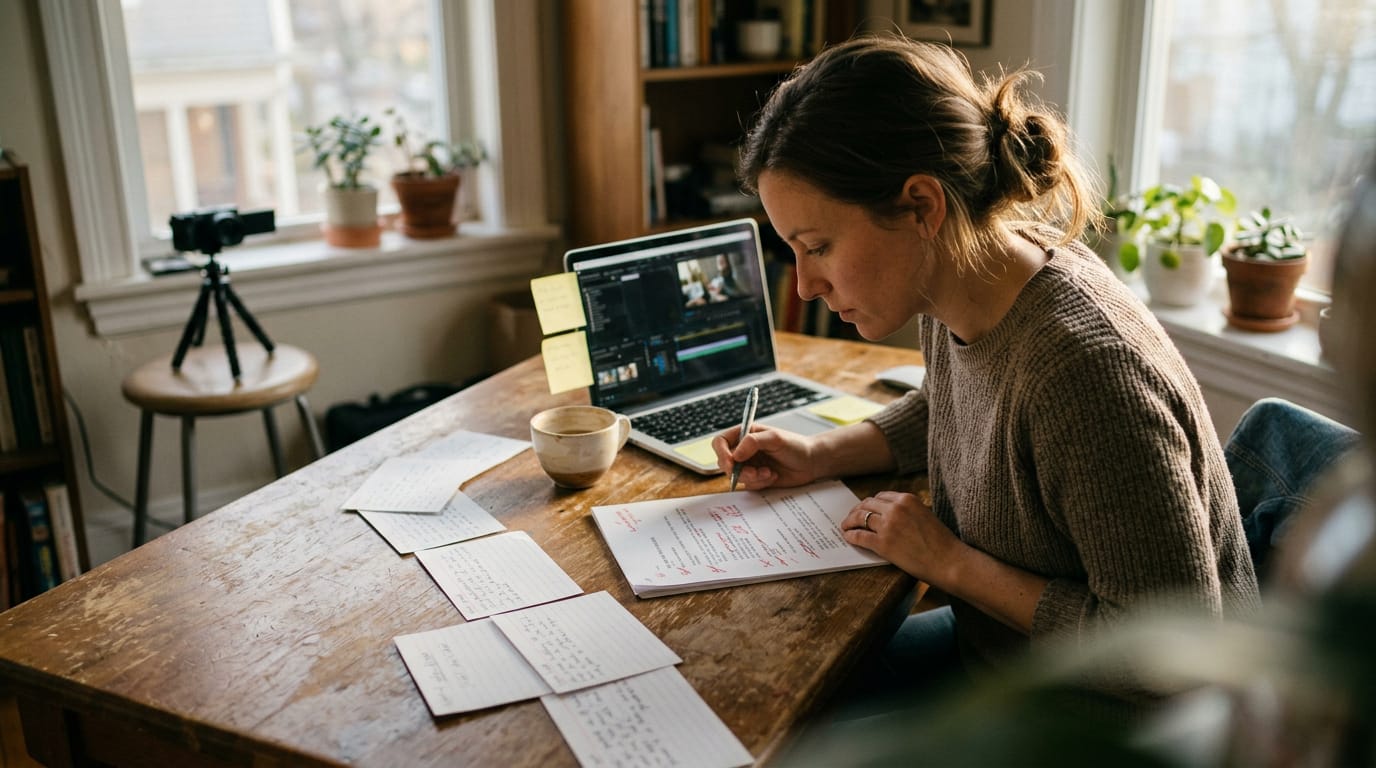
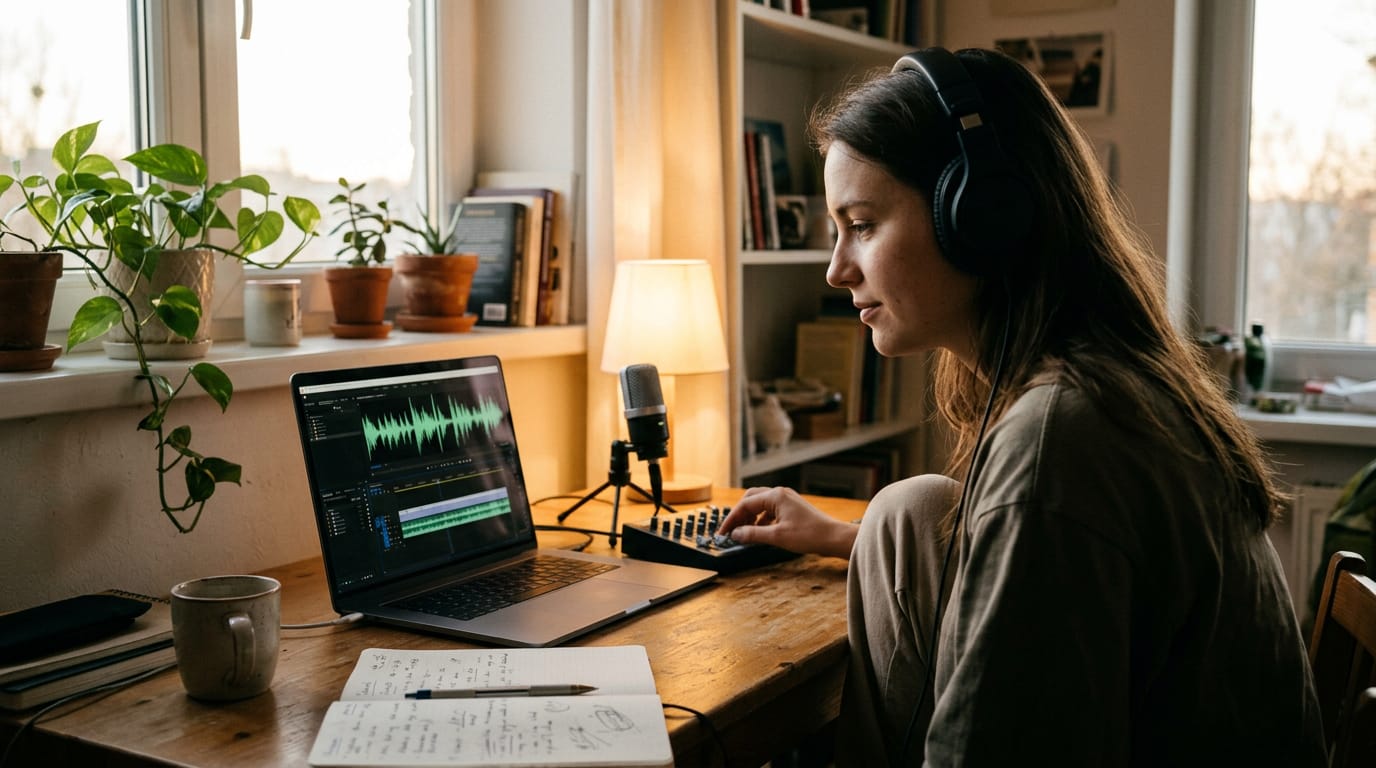
Instructional Video Guide: Plan, Film, and Teach Clearly
Instructional video lessons make tricky tasks easier to follow. Compare formats, then plan and film a clear lesson with better lighting and framing.


Chapters
In short
An instructional video teaches someone how to complete a specific task or build a skill, showing the steps in a way viewers can follow and try themselves. Keep each lesson focused, explain actions in order, and choose visuals that make the work easy to see; clear captions, sound, and framing matter more than expensive gear. In practice, a well-planned video helps viewers act with confidence and can reduce repeated customer questions or training interruptions.
Think about the last time you tried to fix a leaky faucet with nothing but a crumpled manual. A short video showing each step probably got you there faster.
That’s the idea behind an instructional video: a video built to teach one skill or task, step by step.
In this post, we’ll cover what these videos do for viewers, the formats to choose from, and how to plan and film one that’s clear and complete. We’ll also show how lighting, framing, and room setup make a self-filmed lesson look credible on camera.
What an Instructional Video Does for Viewers
An instructional video answers one question: how do you do this?
Teaching someone to do something new
Its real goal is changing what a viewer can do:
- Teaches the viewer to do something. Each step gives them a task they can try.
- Educates on the skill or subject. The reasons behind each step make it stick.
- Leaves the viewer able to act. Success shows up in what they do next.
Picture a guitar teacher filming a barre chord lesson at home. Her win is the student who plays the chord cleanly after the video ends.
Demos sell while instruction teaches
A demo video shows a product in action, and its job is to sell, so the demo serves the seller. Instruction serves the learner: the lesson centers on what the viewer needs, and the product appears only where it helps.
The difference is whose goal drives the video.
Training videos follow the same logic inside a company, where the goal is a skilled employee, not a sale. Many videos labeled ‘instructional’ are really ads, so ask whose goal leads.
Why this format pays off for businesses
Instruction also builds trust and speeds purchases. Research on instructional video advertising suggests these videos help customers understand products and decide more quickly.
Sprout Social reports that nearly 89% of consumers say video quality affects brand credibility.
A walkthrough that answers common questions up front can mean fewer messages in your support inbox.
Pew Research Center reports that roughly half of YouTube users say the platform is very important for figuring out how to do things they’ve never done before. That’s a big audience.
E-learning research reports that 97% of students watch videos as part of their learning process.
Marketers agree: YouGov reports that videos are effective in boosting engagement and sales.
Video Types and Formats to Choose From
The right format depends on what your viewer needs to see, so it’s worth choosing before you set up the camera. Here’s how we’d sort the main options.
Video types you’ll see most often
You’ll mostly see these six types:
- Explainer videos break one idea into a plain-language story.
- Training videos teach a skill step by step.
- How-to tutorials walk through one specific task from start to finish.
- Screencasts record a computer screen with narration.
- Microvideos are very short clips covering a single point.
- Lectures and presentations capture a speaker and their slides.
Matching the format to your task
Before you pick a shot, ask what your viewer needs to see. Each format suits a different task:
- Animation works for abstract concepts, like how a budget moves through a company.
- Live-action suits physical products, so viewers see the real thing from every side.
- Screen capture fits software, where viewers need to follow each click.
- Overhead shots show tactile tasks, like folding fabric, from the same angle the viewer’s hands will work.
Format follows the task, not the other way around. Consider a ceramics teacher who films a hands-on demo with an overhead desk rig, a camera mounted above her table.
Her students see each brush stroke from the angle they’ll work from, and soft light from one side keeps shadows off the glaze.

Interactive and quick lesson formats
- Micro-courses link short lessons into one path that builds a skill.
- Clickable, choose-your-path panels let viewers pick the next step on screen.
- Gamification adds points, levels, or quizzes to keep viewers engaged.
- Short 30-second SaaS clips show one feature each. SaaS means software as a service: programs you use online instead of installing them.
Where instructional videos get used
- SaaS onboarding walks new users through a product’s first steps.
- Product setup and unboxing shows buyers how to set up what’s in the box.
- Physical demonstrations show how a tool or task works in person.
- School and workplace topics cover classroom and training lessons.
- Customer onboarding helps customers get started with a service after they buy.
A boutique candle maker films a wick trimmer setup video at her kitchen table, with a window beside her for daylight. Buyers can pause and follow along, which beats squinting at a folded paper manual. One video answers the same question for every buyer.
What Makes a Good Instructional Video
A good instructional video gets a viewer through a task they couldn’t finish alone. Structure, script, visuals, length, and audience all serve that goal.
Keeping structure clear and focused
Teach one task per video, and build each one in four parts:
- Promise. Say what viewers can do by the end.
- Steps. Walk through them in order, one action each.
- Recap. Repeat the steps in a sentence or two.
- Next step. Point viewers to what to try or watch next.
For longer videos, add chapters with timestamps. They let viewers find the step they need rather than sit through everything. Getting the whole video found in search is a separate job from adding chapters.
Writing a clear, friendly script
Write the way you’d explain it across a desk. Gloss any technical term the moment it appears, like key light (the main light on your face). Aim for clear over clever.
Keep it conversational, professional, and supportive. ‘If that shadow bugs you, try moving the lamp’ beats ‘Obviously, that’s wrong.’ In your read-through, cut filler like ‘um’ and ‘you know.’ On camera, sit tall and steady with your eyes near the lens.
Making visuals clear for everyone
Some viewers will watch on a phone, muted, or in a noisy room. Add captions and on-screen step text so the lesson still works in silence. Keep graphics clean: one step per screen, in large text.
Use colour cues consistently, like one shade for every button to press, and pair them with a label, since colour alone can be missed. Hold each step on screen long enough to read.
Light your own shot from the front, too. A bright window behind you turns you into a silhouette, and the demo gets lost in the glare.
How long your video should run
A study on vocational skill training in Jurnal Pendidikan Vokasi built its microlearning videos (short, single-goal lessons) at 2 to 6 minutes.
- Recommended: 3 to 6 minutes for most how-to videos.
- Acceptable: up to about 20 minutes. Miami University’s teaching guidance suggests a maximum of 12 to 20 minutes, depending on purpose and subject.
- Long videos: work when you add chapters.
- Microvideos: clips under a minute, best for one quick action.
Check retention next. If your platform shows where viewers drop off, a sharp dip often points to a step that dragged. Tighten that part and check again.

Knowing who you’re teaching
Start by picturing who’s watching: their age range, their job, and the gear they already own. A coach teaching first-time streamers should skip the jargon and show the one lamp move that matters, so they finish setup in one evening.
Consider experience level. Beginners need the basics spelled out, while regulars want the shortcut. Match your language to them: say ‘key light’ to viewers who already know it, and ‘the light in front of you’ to first-timers.
Some learn by following along at their desk, others watch in short breaks, so clear chapters and a quick recap serve both.
Making an Instructional Video Step by Step
A clear lesson comes down to planning it, filming it with gear you own, and editing out the noise.
The production process, start to finish
Work through five stages in order:
- Define your audience and topic: who’s watching and what they’ll learn.
- Write a script that follows the steps in order.
- Record narration and footage, using shot planning so every step is visible. Aim to show each step, not just describe it.
- Edit with captions and highlights on the key move.
- Share on your website, by email, and on social media.
A bookkeeper filming a spreadsheet tutorial plans each shot so her hands and screen stay in frame and viewers can follow along.
Gear you need without overspending
A phone or computer is enough. Clarity beats polish, so a clean screen recording teaches better than a flashy one.
Light first. Face a soft window, which is free natural light, or add a key light (your main light). A light-emitting diode (LED) ring light also works.
A microphone is the next upgrade worth making. Pick a quiet, tidy corner as your set, and soften room echo with a rug, curtains, or pillows on bare walls.
Editing tools and ready-made templates
- Online video editors work in a browser with nothing to install.
- Video templates give you title cards and captions ready to go.
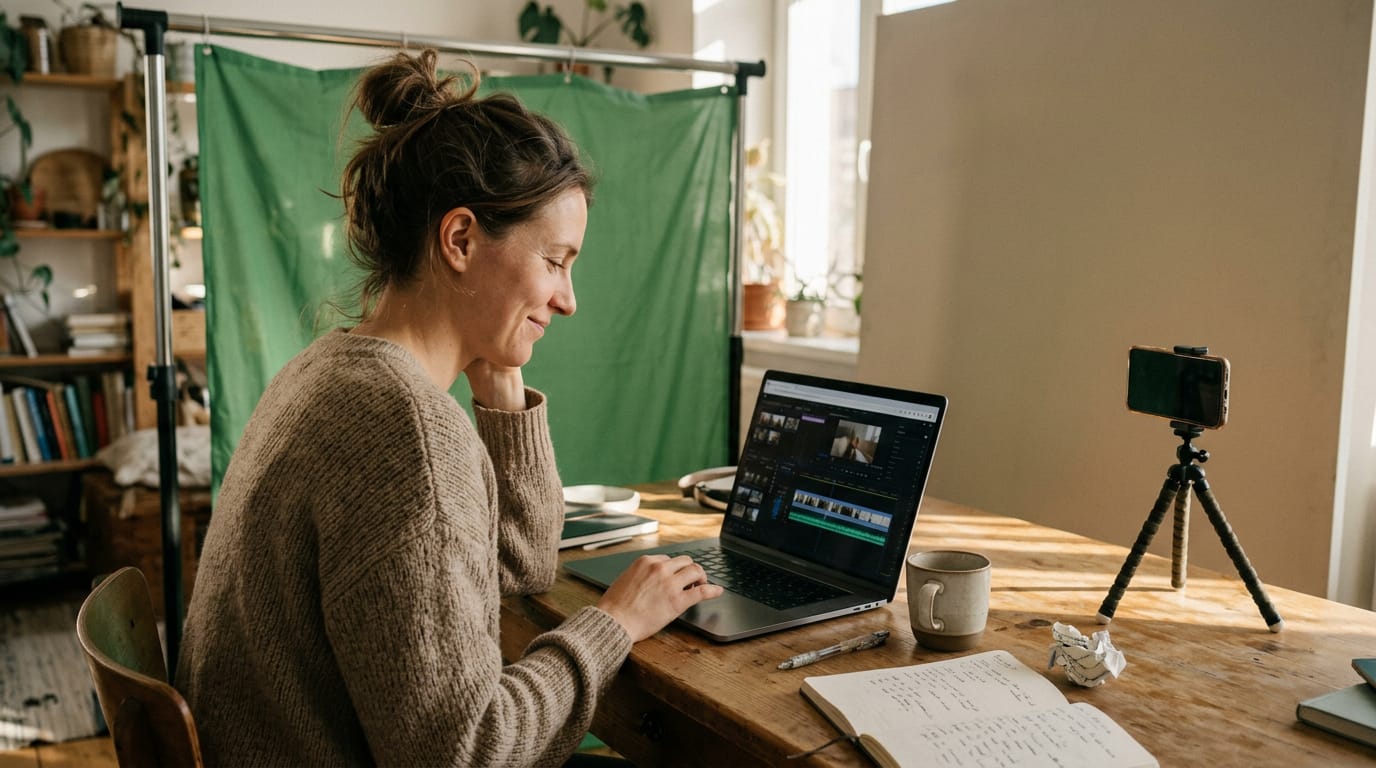
- Screen recorders and green screens capture steps and let you stand in front of a slide.
- Premiere Pro and Final Cut offer deep control, while Canva suits quick captions and layouts.
Clean up hiss and hum in your audio before you export. When you stumble, trim clips to fix mistakes. Trim it, don’t redo it.
Great Examples to Learn From
Strong instructional video comes from all kinds of makers, from big brands to solo creators. Here’s what they share.
Brands and creators doing it well
- Software and design: Blender Guru, Adobe, Canva, Shopify
- Hands-on and home: Fender, Home Depot, Yoga With Adriene, Bon Appetit
- Tech and productivity: Apple, HubSpot, Dropbox, Asana
We’ve also curated a list of 20 brand videos to study side by side.
What the best examples have in common
The best examples share habits you can copy:
- One job per video. Each video answers one question, so viewers know what they’ll learn fast.
- Calm, welcoming tone. The host sounds like a patient guide, not a salesperson.
- Searchable, literal titles. Name the exact task, because viewers search for exactly that.
- Teach adjacent skill first. Open with the basic skill the main lesson depends on.
- Camera placed where learning is. Frame the work, not just the face, and aim a window or lamp at the work surface so every step is visible.
Topics you could turn into videos
Start with tasks you already explain often:
- School lesson topics: one concept a student can rewatch, like balancing an equation.
- Workplace safety and communication topics: how to put on a respirator, or how to run a shift handoff.
Think of a science teacher filming a four-minute lesson at a kitchen table, with a window as the main light. Students can rewatch the step they missed before the quiz. Pick one task and film it.
How Businesses Put Video to Work
Instructional video pays off with customers and with your own team, and it’s more about clarity than polish.
Helping customers and winning sales
Consider a support lead who films a two-minute fix at home. Her replies shift from repeating one answer to sending one link. Less typing, same answer.
- Faster problem solving. Customers watch the fix instead of describing the problem.
- Fewer repetitive tickets. One clear video answers the same question for everyone.
- Reduced returns. According to a 2026 e-commerce study on return optimization, improving installation information for complex products cut returns by 11.6% and post-purchase enquiries by 33.4%.
- Pre-sale trust building. Showing how a product works before checkout lets buyers judge the fit.
Training your own team with video
Your staff benefit from the same format.
- Rewatchable new-hire clips. New hires can replay a process instead of interrupting a colleague.
- Brand training libraries. Gather clips in one place so everyone learns from the same source.
- E-learning modules. E-learning means self-paced online courses. Add a quick check question so learners confirm they got it.
How much does a 2 minute video cost?
It depends on the route you take, and we won’t guess at a typical price.
- Animation studio. Ask for a case study of a similar two-minute project, and compare scope line by line.
- Embedded creative team. Some providers place a creative team alongside your staff. Ask whether pricing is per project or ongoing.
- Production cost resources. Collect written quotes and check what each includes.
- Typical cost. Compare several quotes rather than chasing an average, since no single figure fits every scope.
Filming it yourself mostly costs time. A steady camera and a window in front of you go a long way.
A good instructional video helps a viewer do something they couldn’t do before, and it comes from clear goals and steps that are easy to follow. Plan each lesson before you hit record, and the filming gets simpler. A video script turns that plan into lines you can say on camera.
Soft, even light on your hands, a frame that keeps the work in view, and a quiet corner all make a self-filmed lesson look credible. You don’t need a studio to get there.
Get the basics right, and your viewers will finish the lesson and come back for more.
References
- Mobile microlearning with repeated short video access: Effects on vocational skill retention — jurnal.uny.ac.id (2026)
- Online Course Video Engagement Strategies — sites.miamioh.edu (2026)
- Students’ use of learning videos — doi.org (2025)
- A Study on Return Optimization in E-commerce for Complex Consumer Goods Driven by Installation Information Quality | Proceedings of the 2026 3rd Guangdong-Hong Kong-Macao Greater Bay Area International Conference on Digital Economy and Artificial Intelligence — dl.acm.org (2026)
- Adapting Microlearning for Personalized Study Journeys: CLT-BLM Guided Video Shorts with AI-Driven Re-Authoring — doi.org (2025)
- The impacts of instructional video advertising on customer purchasing intentions on the Internet — doi.org (2009)
- 94% of US marketers believe paid video ads impact ROI positively — yougov.com (2025)
- Many Turn to YouTube for Children’s Content, News, How-To Lessons — pewresearch.org
- 120+ Social Media Marketing Statistics for 2026 — sproutsocial.com
Questions
What is a demo video?
A demo video shows a product in action, usually to help sell it. Unlike an instructional video, which focuses on helping the viewer learn a task, a demo is driven by the seller’s goal.
How much does a 2 minute video cost?
There’s no single typical price for a two-minute video; cost depends on the project’s scope and production approach. Compare written quotes and check what each includes. Filming it yourself mostly costs time.
What does demo mean?
“Demo” is short for “demonstration.” It means showing how something works or what it can do.
Sources
- Many Turn to YouTube for Children’s Content, News, How-To Lessons | Pew Research Center, pewresearch.org
- Students’ use of learning videos, doi.org,
- 94% of US marketers believe paid video ads impact ROI positively, yougov.com,
- 120+ Social Media Marketing Statistics for 2026 | Sprout Social, sproutsocial.com
- The impacts of instructional video advertising on customer purchasing intentions on the Internet, doi.org,
- A Study on Return Optimization in E-commerce for Complex Consumer Goods Driven by Installation Information Quality | Proceedings of the 2026 3rd Guangdong-Hong, dl.acm.org,
- 25 principles for effective instructional video design, doi.org,
- Mobile microlearning with repeated short video access: Effects on vocational skill retention | Jurnal Pendidikan Vokasi, jurnal.uny.ac.id,
- Adapting Microlearning for Personalized Study Journeys: CLT-BLM Guided Video Shorts with AI-Driven Re-Authoring, doi.org,
- Online Course Video Engagement Strategies - Teaching Online at Miami University, sites.miamioh.edu,