Bin · All guides · 68 clips
Guides
Every guide says which light is doing the work in the shot, what to try with what you already own, and when the cheaper option is enough.
All guides · Page 7
Newest first
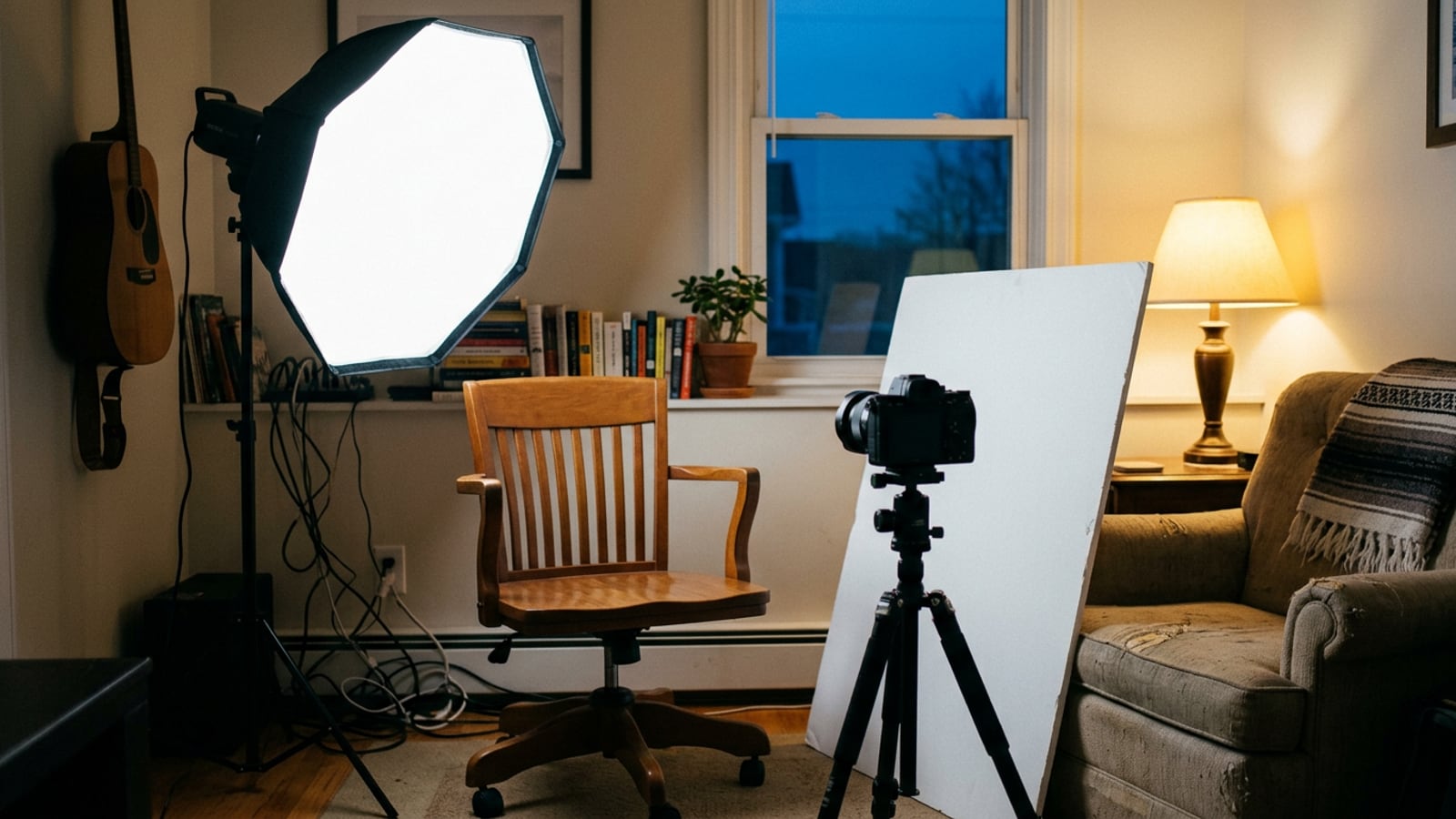
How to light a talking-head video with one light
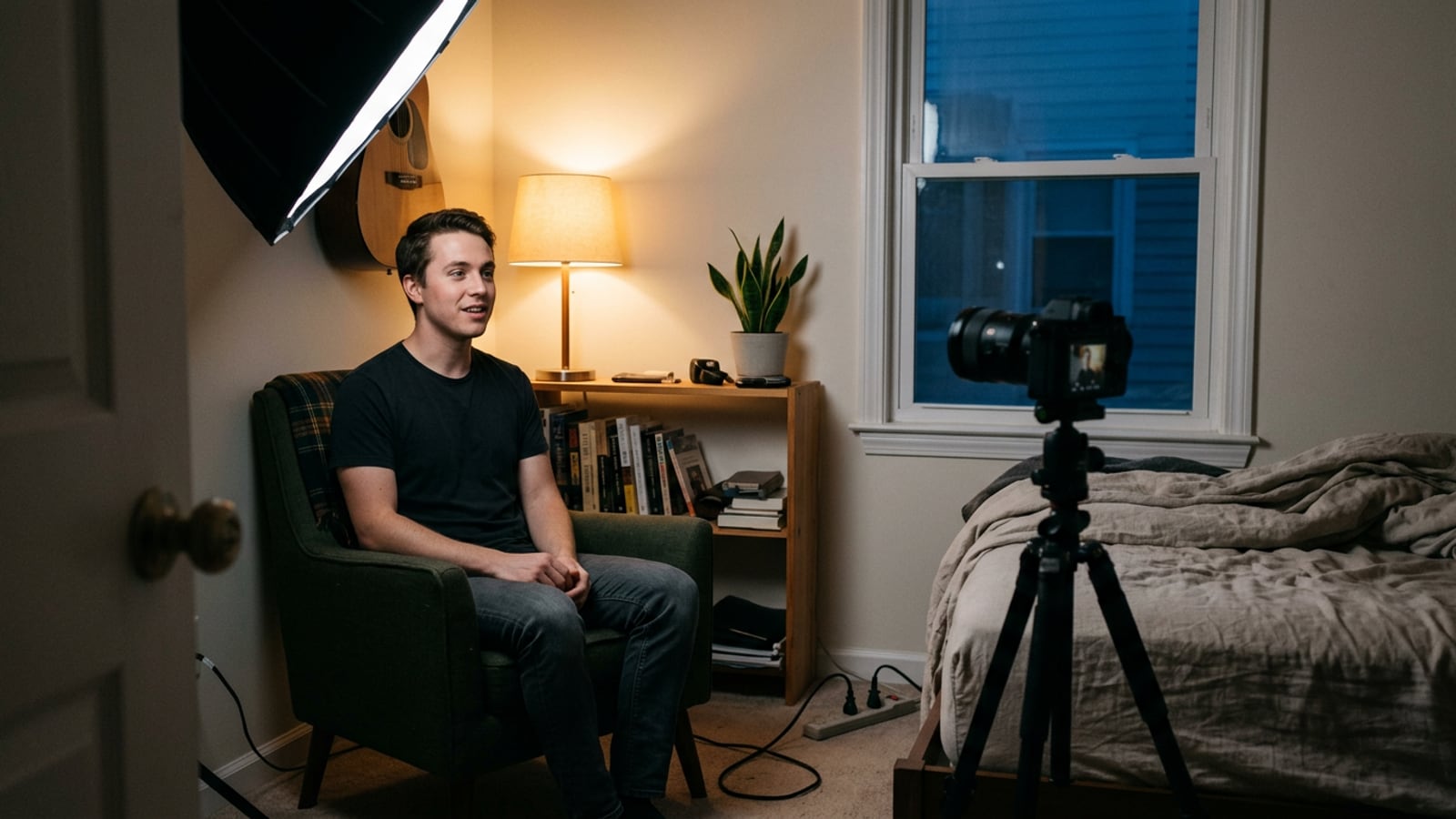
One soft light in the right place beats three in the wrong ones: where it goes, how high and how close, a white bounce for fill, and camera settings to match.
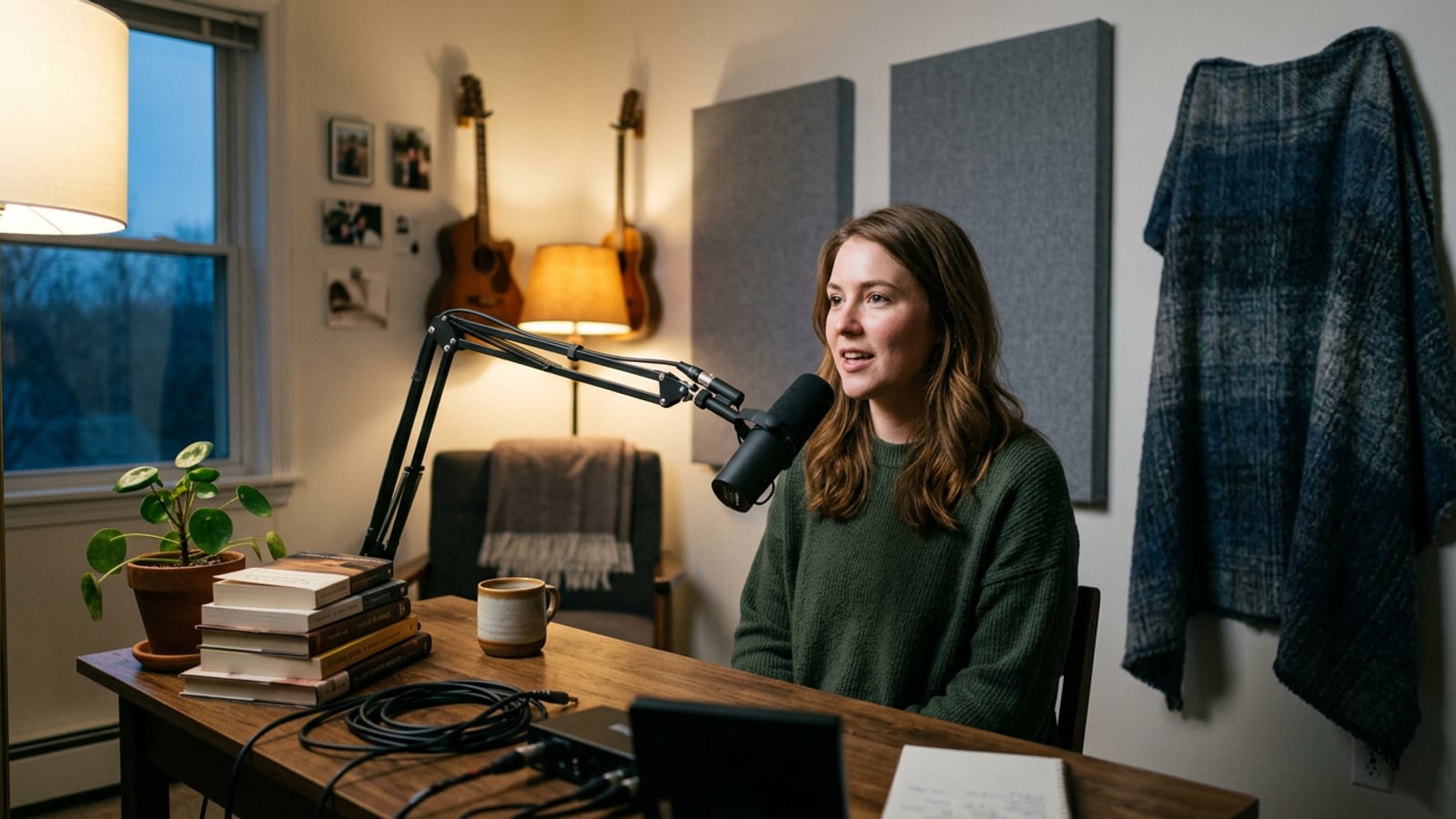
How to reduce echo in a room for recording voice
Make your voice sound close and dry in a bedroom or spare room: the free fixes first, where acoustic panels go, and a ten-second test to tell you when to stop.
How to take a YouTube thumbnail photo of yourself
Light and frame a sharp photo of your face that still reads at phone size, against a background that cuts out cleanly, then size and export it as YouTube asks.
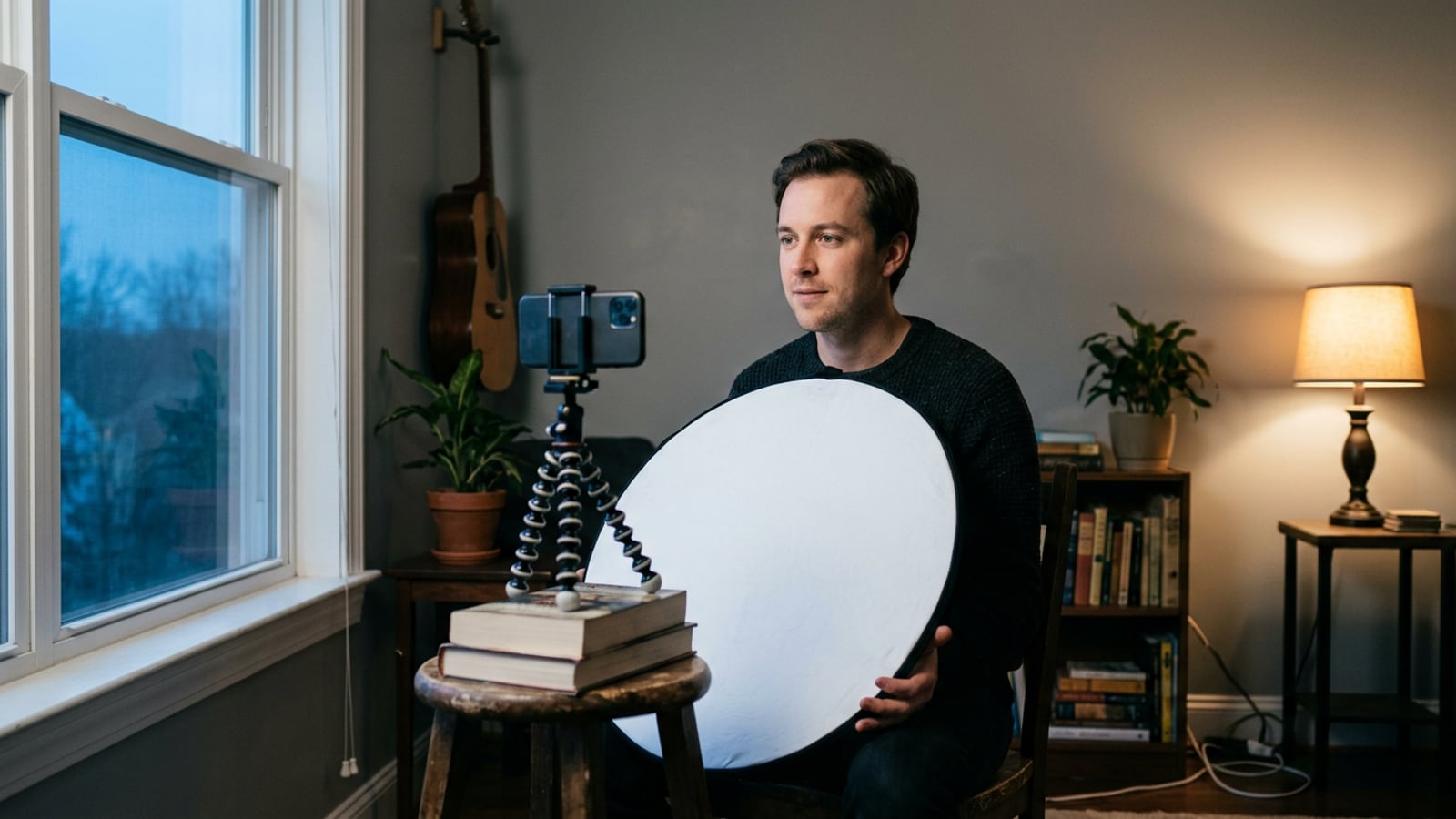
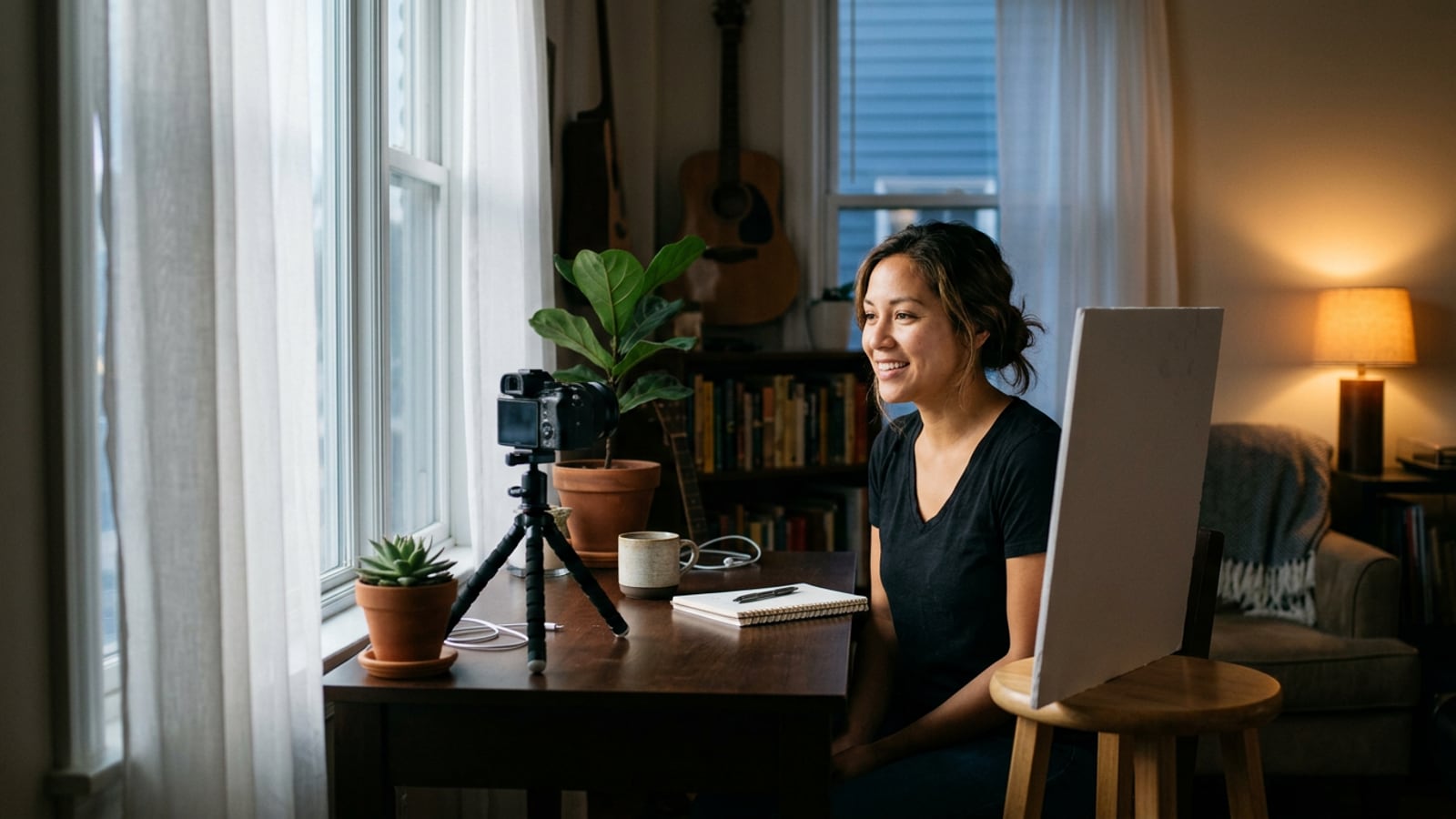
How to use window light for video at home
Where to sit by your window, how far and at what angle, how to bounce in fill, handle sun and clouds, and keep one color on your face when lamps are on too.
Ring light vs softbox vs LED panel for video
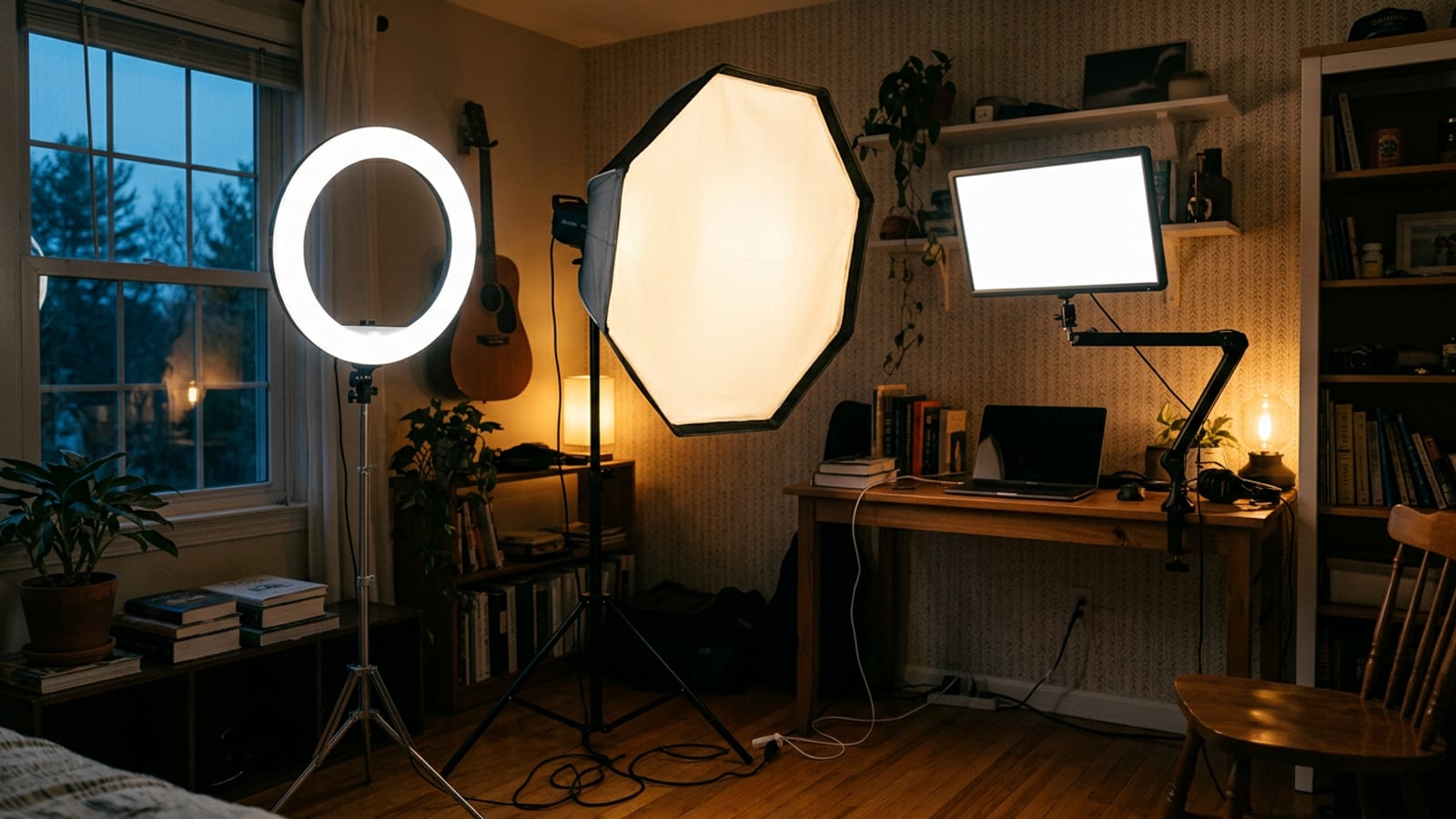
A ring light, a COB light in a softbox or a desk LED panel: how each looks on your face, the room it takes, what it does in glasses, and which to buy first.
Three-point lighting at home: key, fill and back light
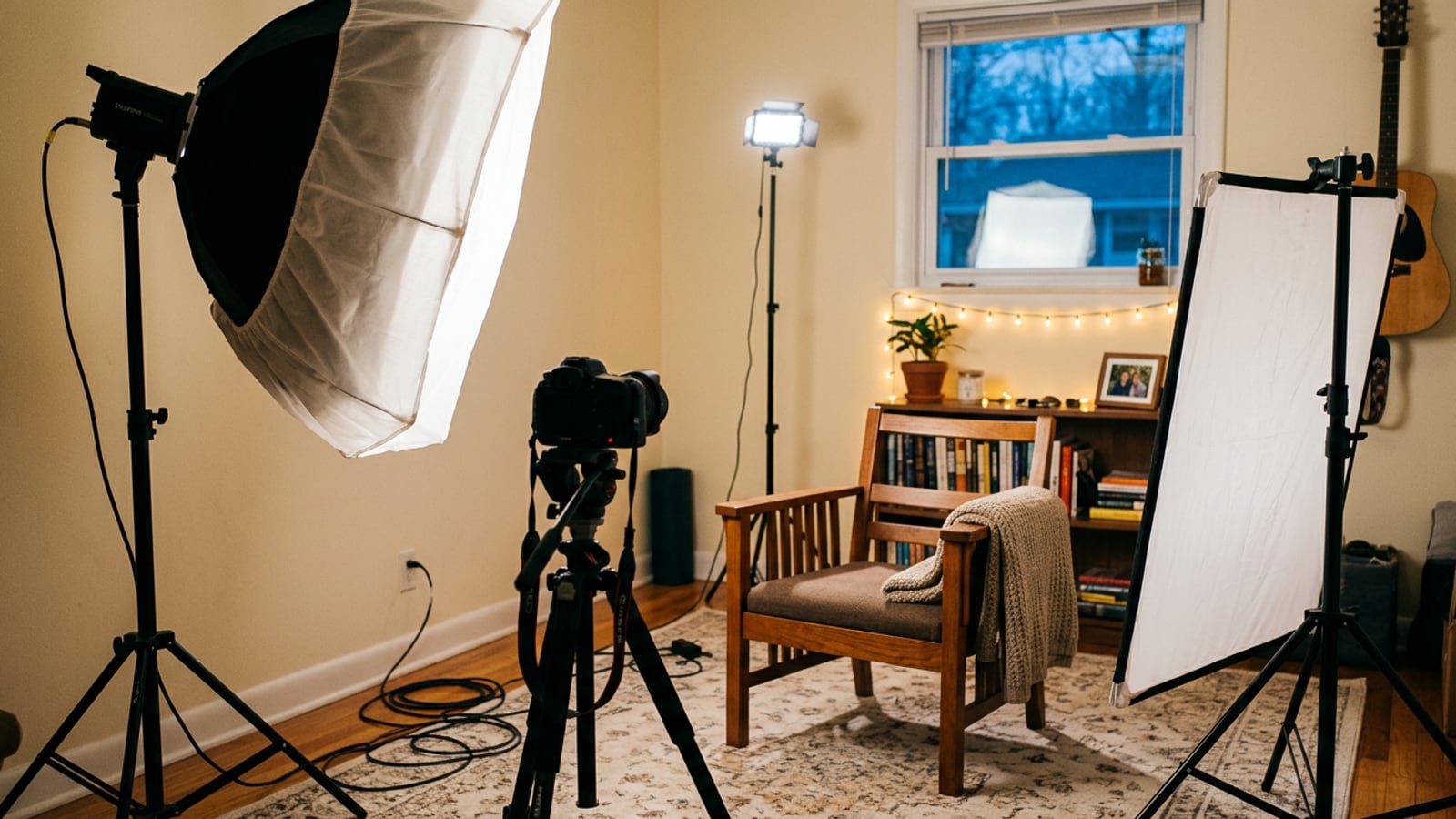
Where the key, fill and back light go in a 10-by-12-ft room, in feet and degrees, how bright each one should be, and which to leave out when space is short.
Webcam vs phone vs camera for YouTube: which to use
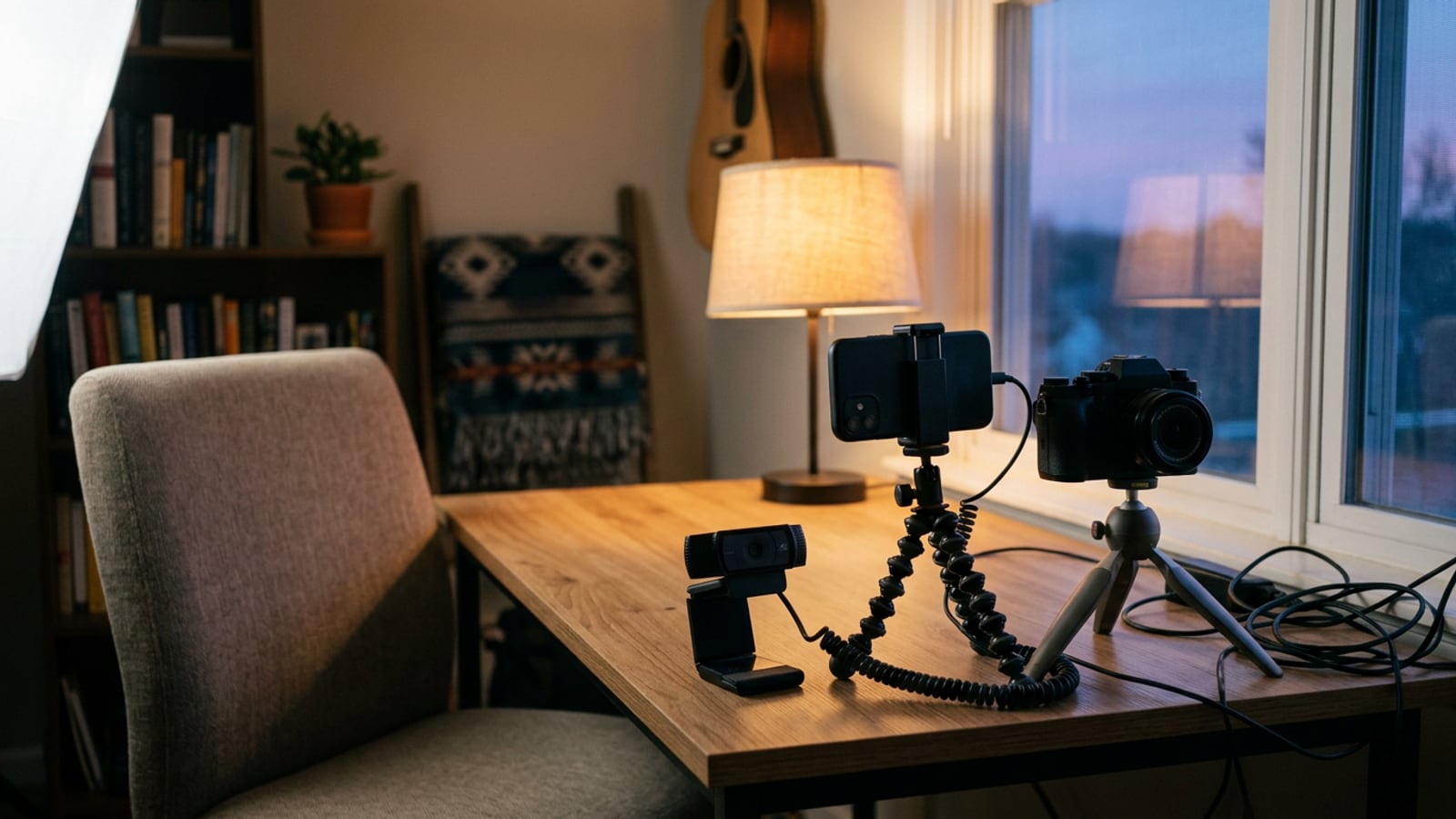
Webcam, phone or mirrorless camera: what each shows on screen, how each plugs into a computer, what it costs, and when the phone you own is enough.
YouTube studio setup for a small room: a checklist
A checklist for a filming spot in a room under 10 by 10 ft: the spot, the wall gap, light, sound, camera, background and cables, then a five-minute setup.